mirror of
https://github.com/andwati/dokploy.git
synced 2026-10-18 11:12:56 +00:00

 Cyril BIENNEandClaude Opus 5
30e8d9b86e
Cyril BIENNEandClaude Opus 5
30e8d9b86e
`findApplicationById` redacts `githubPrivateKey` from the `github`
relation, but `createPreviewDeployment` passed that redacted object
straight to `authGithub`. Since `haveGithubRequirements` requires the
private key, it always returned false and `authGithub` threw
`TRPCError NOT_FOUND: "Github Account not configured correctly"`.

That throw is uncaught in `pages/api/deploy/github.ts`, so every
`pull_request` webhook returned a bare 500 and no preview deployment
was ever created.

Resolve the provider through `findGithubById(application.githubId)`
instead, matching how every other call site obtains credentials. This
keeps the redaction introduced for `findApplicationById` intact.

Fixes #4898

Co-Authored-By: Claude Opus 5 <[email protected]>

Join us on Discord for help, feedback, and discussions!

Dokploy is a free, self-hostable Platform as a Service (PaaS) that simplifies the deployment and management of applications and databases.
✨ Features
Dokploy includes multiple features to make your life easier.
- Applications: Deploy any type of application (Node.js, PHP, Python, Go, Ruby, etc.).
- Databases: Create and manage databases with support for MySQL, PostgreSQL, MongoDB, MariaDB, libsql, and Redis.
- Backups: Automate backups for databases to an external storage destination.
- Docker Compose: Native support for Docker Compose to manage complex applications.
- Multi Node: Scale applications to multiple nodes using Docker Swarm to manage the cluster.
- Templates: Deploy open-source templates (Plausible, Pocketbase, Calcom, etc.) with a single click.
- Traefik Integration: Automatically integrates with Traefik for routing and load balancing.
- Real-time Monitoring: Monitor CPU, memory, storage, and network usage for every resource.
- Docker Management: Easily deploy and manage Docker containers.
- CLI/API: Manage your applications and databases using the command line or through the API.
- Notifications: Get notified when your deployments succeed or fail (via Slack, Discord, Telegram, Email, etc.).
- Multi Server: Deploy and manage your applications remotely to external servers.
- Self-Hosted: Self-host Dokploy on your VPS.
🚀 Getting Started
To get started, run the following command on a VPS:
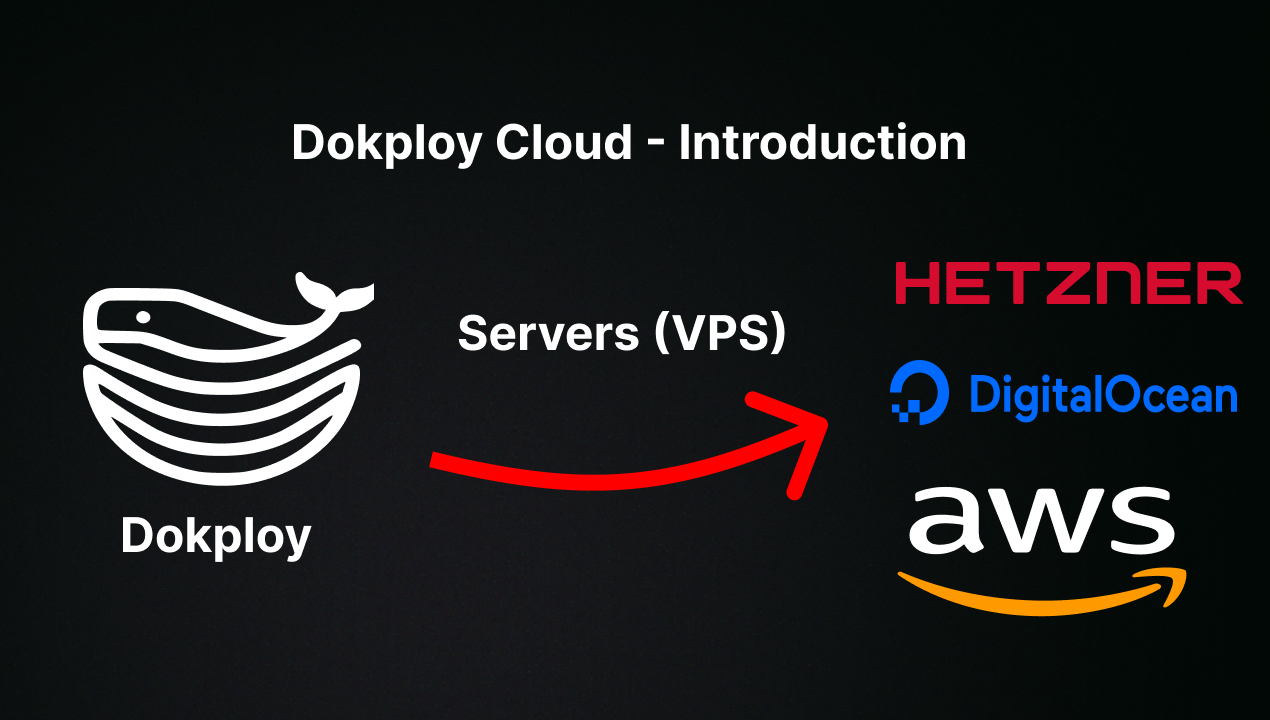
Want to skip the installation process? Try the Dokploy Cloud.
curl -sSL https://dokploy.com/install.sh | bash
For detailed documentation, visit docs.dokploy.com.
Contributors 🤝
📺 Video Tutorial
🤝 Contributing
Check out the Contributing Guide for more information.