---
title: The ZITADEL Quick Start Guide
description: "Get started with ZITADEL by setting up an account and integrating OIDC authentication into your applications"
sidebar_label: Quick Start Guide
keywords: [ZITADEL, OIDC, PKCE, Authentication, Identity Management]
---
import { Tab } from 'fumadocs-ui/components/tabs';
import { FrameworkSelector } from '@/components/framework_selector';
import AppConfig from './_app_config.mdx';
import AppValues from './_app_values.mdx';
In this guide, you’ll set up a Zitadel account and configure it to work with our pre-built example applications.
You can simply clone the repository, follow the console setup, and have a working authentication flow in minutes.
## Get Started with ZITADEL Cloud
Set up your ZITADEL account and organization to begin managing identities for your applications.
### 1. Create your Account and Organization
You first need access to the ZITADEL Cloud Customer Portal.
This is the administrative hub for managing your billing, teams, and instances.
1. **Sign Up**: Go to [zitadel.com](https://zitadel.com) and select Sign Up.
2. **Onboarding**: Follow the prompts to verify your email and set up your Portal Team.
- Tip: We recommend using Passkeys for a secure, passwordless login experience.
3. **Access**: Once authenticated, you will be redirected to the Customer Portal dashboard.


### 2. Quick Onboarding
Complete the brief onboarding questions.
This data helps us prioritize the development of new features, SDKs, and integrations that matter most to our community.

### 3. Create your ZITADEL instance
An [Instance](/concepts/structure/instance) is a fully isolated identity environment with its own users, policies, and data.
Most developers use separate instances to isolate Development, Test, and Production workflows.
Follow these steps to deploy your first instance:
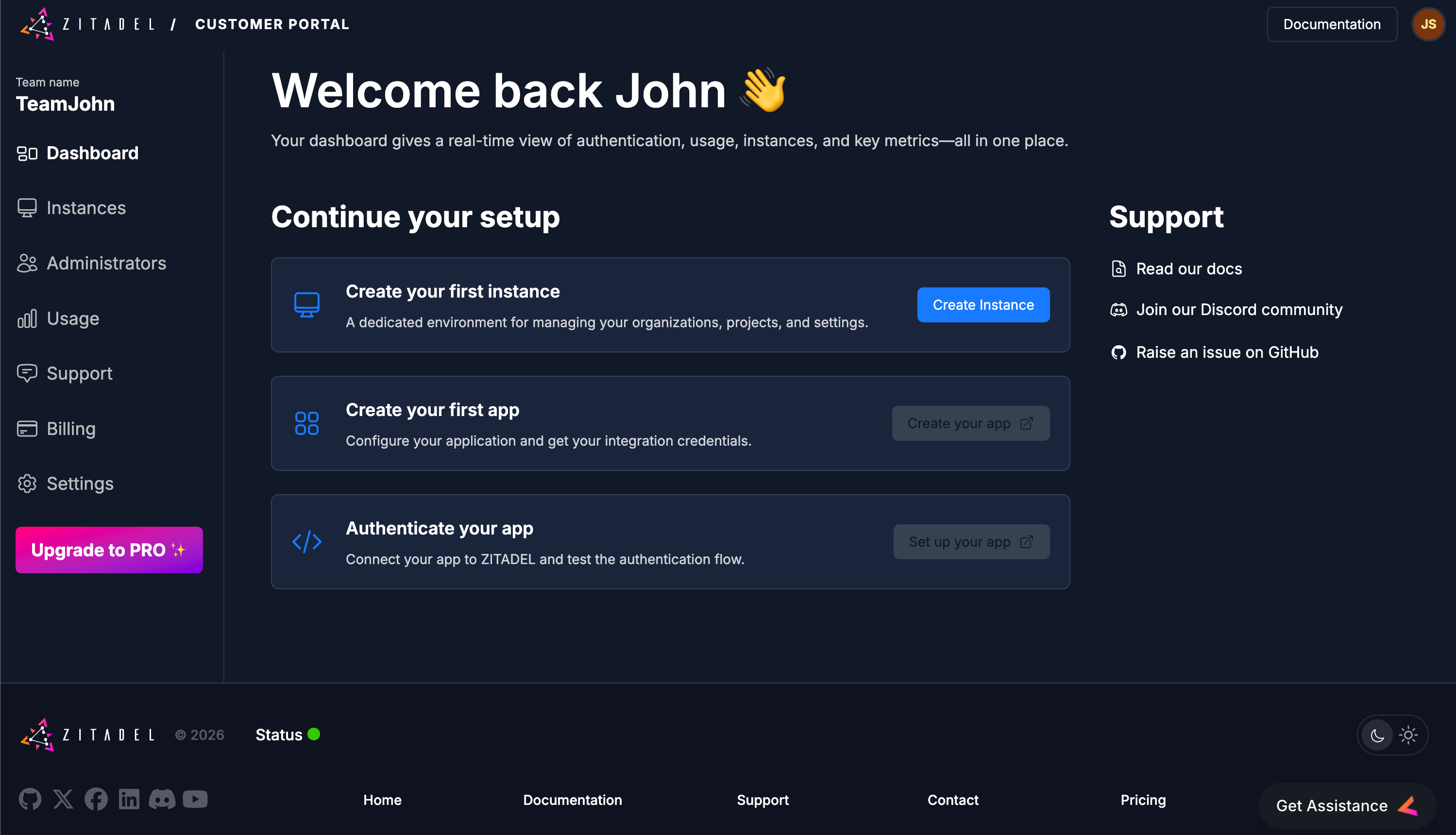
1. **Start**: Click Create Instance on your dashboard.
2. **Identity**: Provide an Instance Name (e.g., dev-environment). This will be used to generate your default domain (e.g., dev-environment-xxxx.zitadel.cloud).
3. **Locality**: Select your Region.
- Note: Choosing a region close to your users minimizes latency and helps with data residency compliance.
4. **Admin Setup**: Create your Instance Administrator. This user has "root" permissions to manage all organizations, policies, and settings within this specific instance.
5. **Deploy**: Review your settings and click Create Instance.
### 4. Create your Project and Application
In ZITADEL, [**Applications**](/guides/manage/console/applications-overview) are grouped into [**Projects**](/guides/manage/console/projects-overview).
This allows multiple applications (like a React frontend and a Go backend) to share the same roles and role assignments.
#### Launch the Management Console
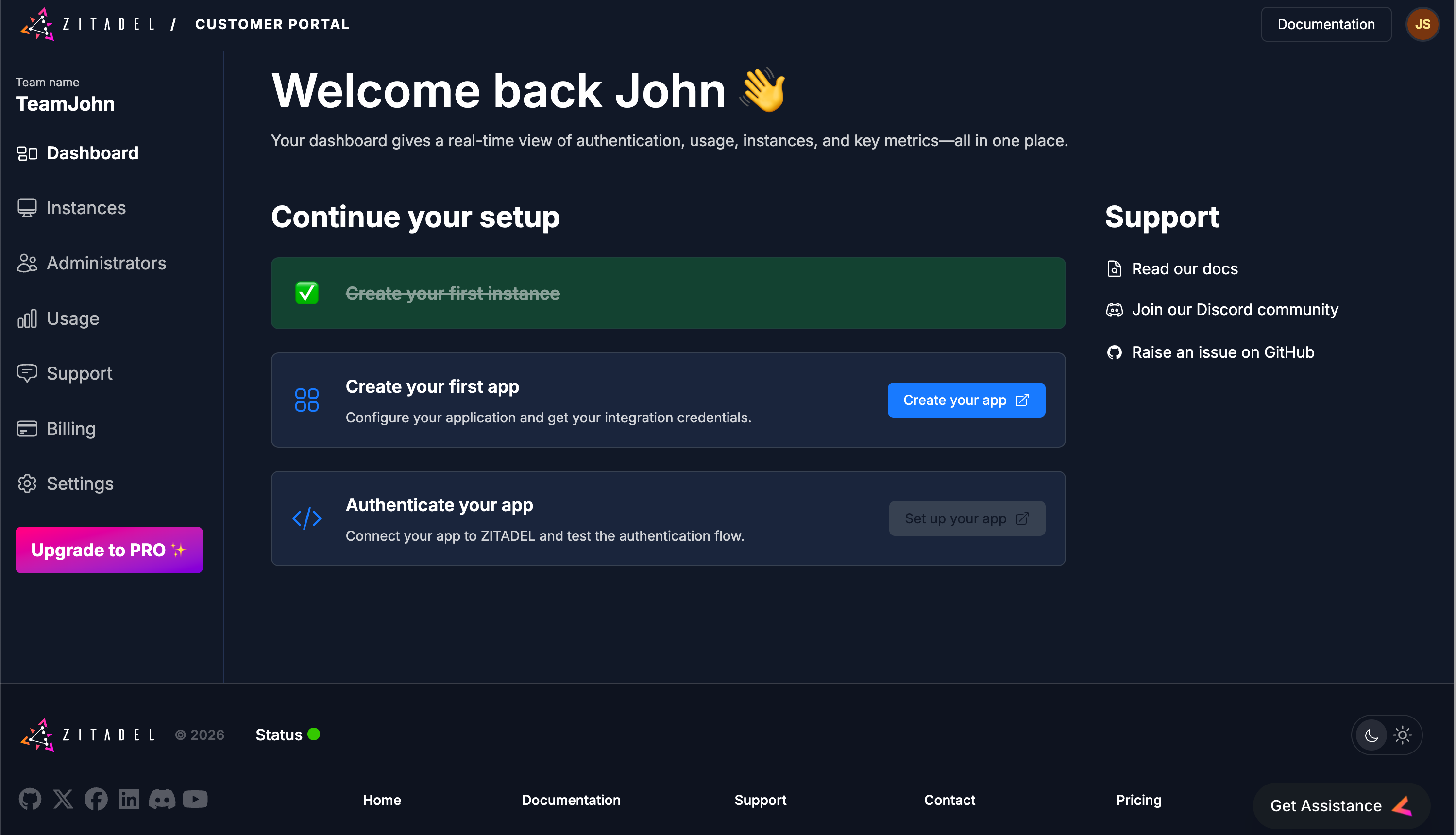
Click **Create your app**. This opens the Management Console for your instance in a new tab.
Log in using the Admin credentials you just created.
#### Step 1: Define your Project
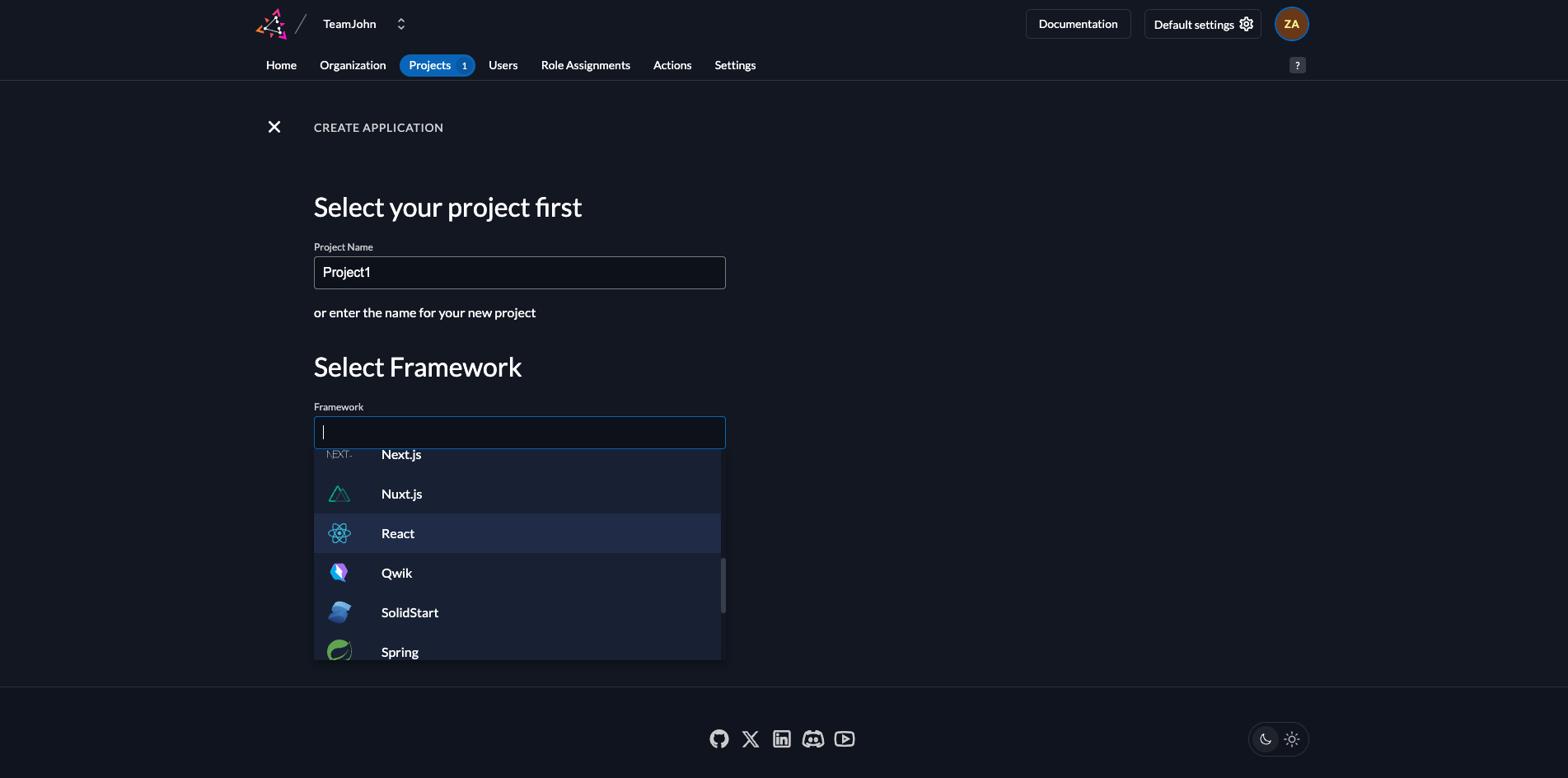
- **Name**: Enter a name (e.g., Project1).
- **Framework**: Select your preferred framework
- **Continue**: Click the Continue button.
#### Step 2: Review Default Settings
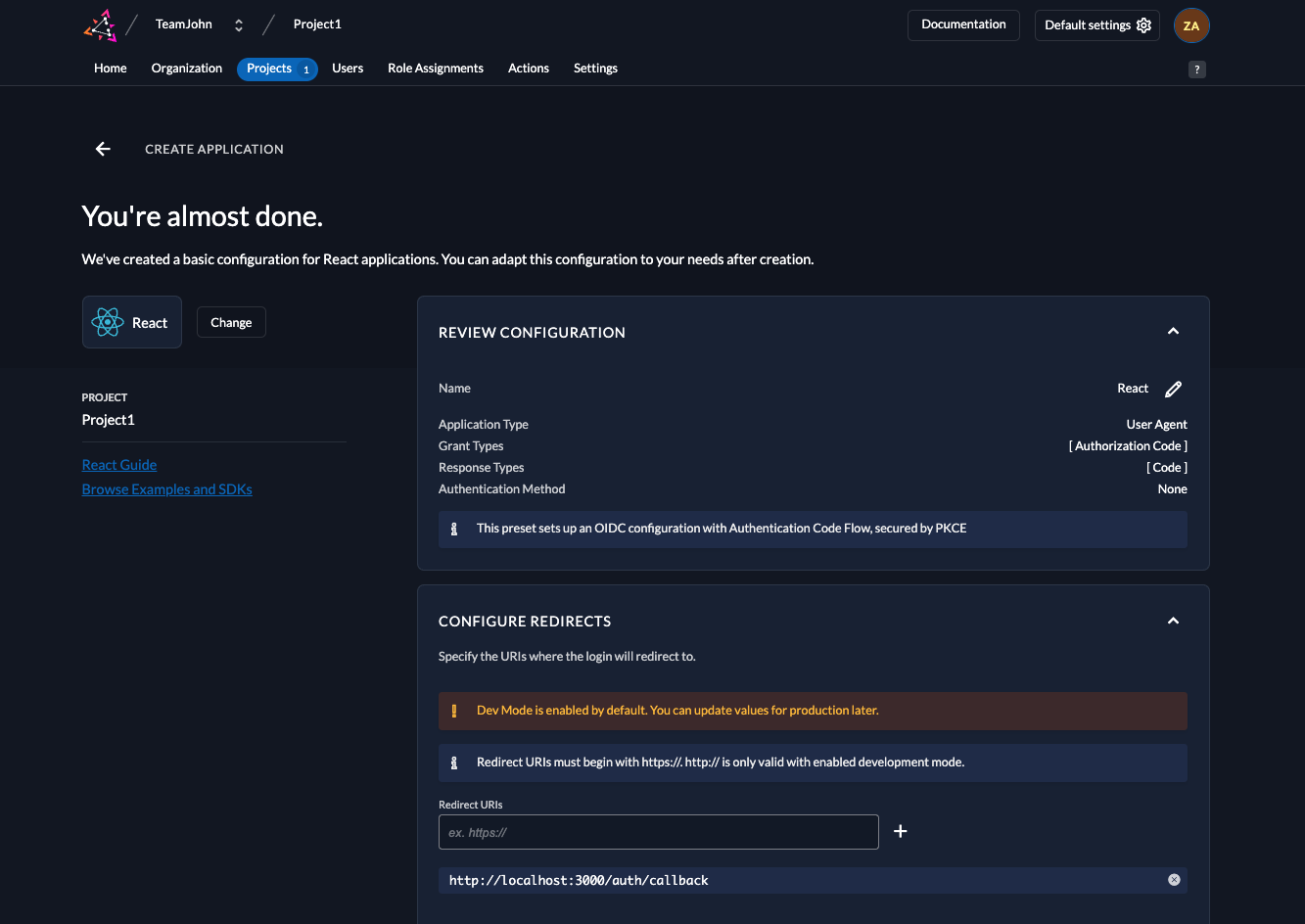
ZITADEL automatically configures the best security settings for your selected framework.
### 5. Collect your Integration Keys
## Integrate ZITADEL into your App
### How the Authentication Flow Works
ZITADEL handles the complexity of the OIDC handshake so your app stays secure without manual token management.
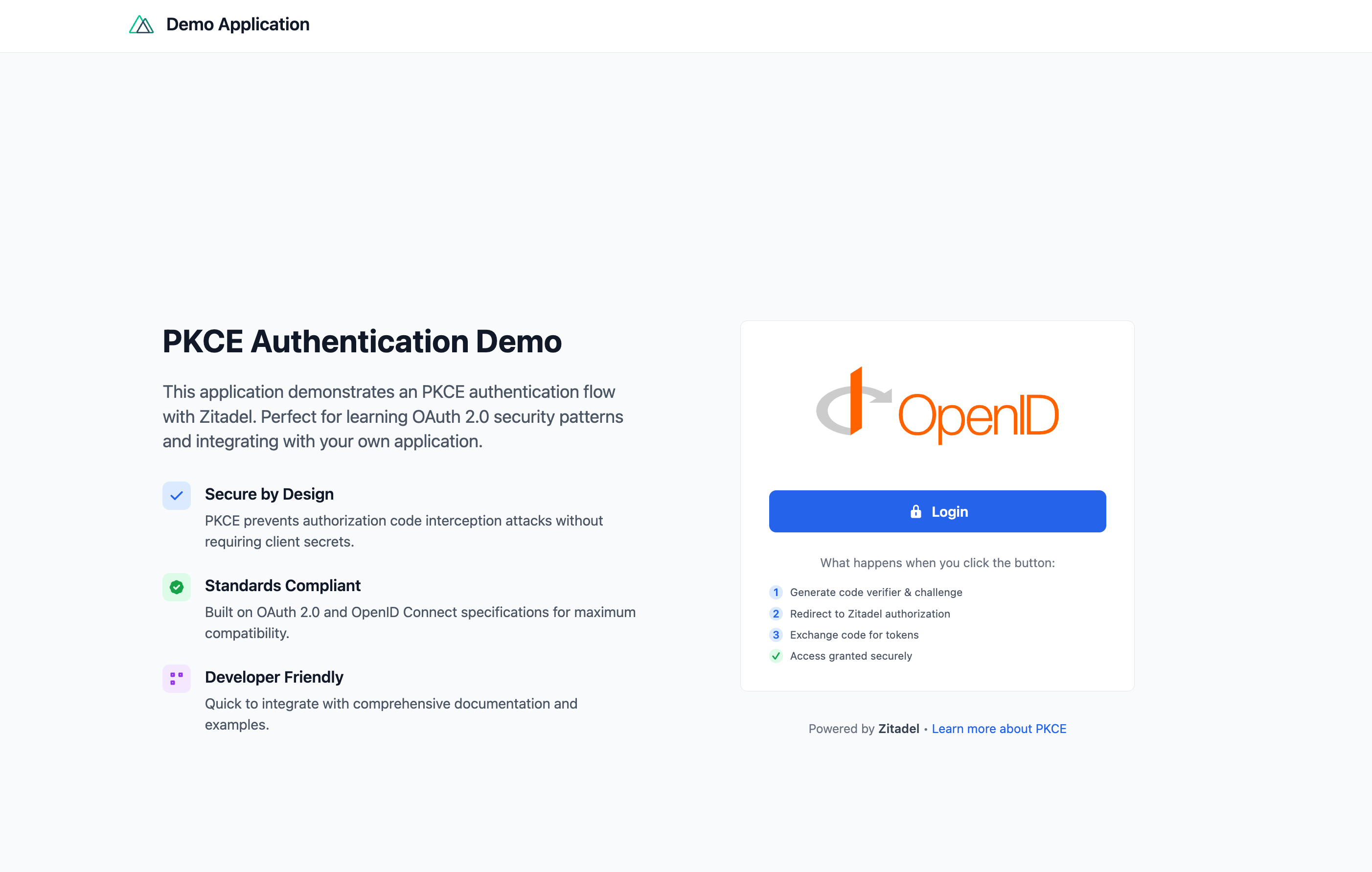
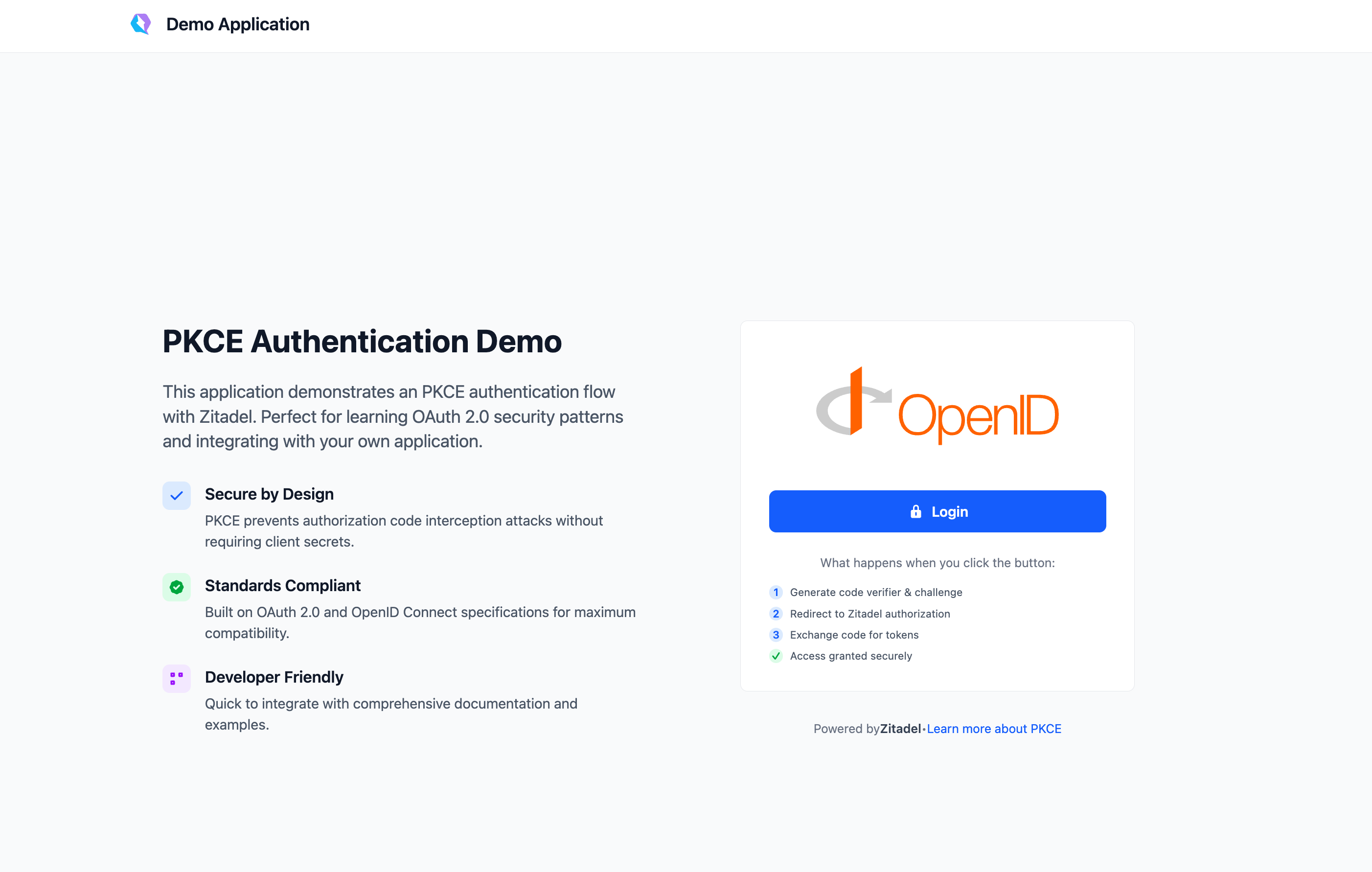
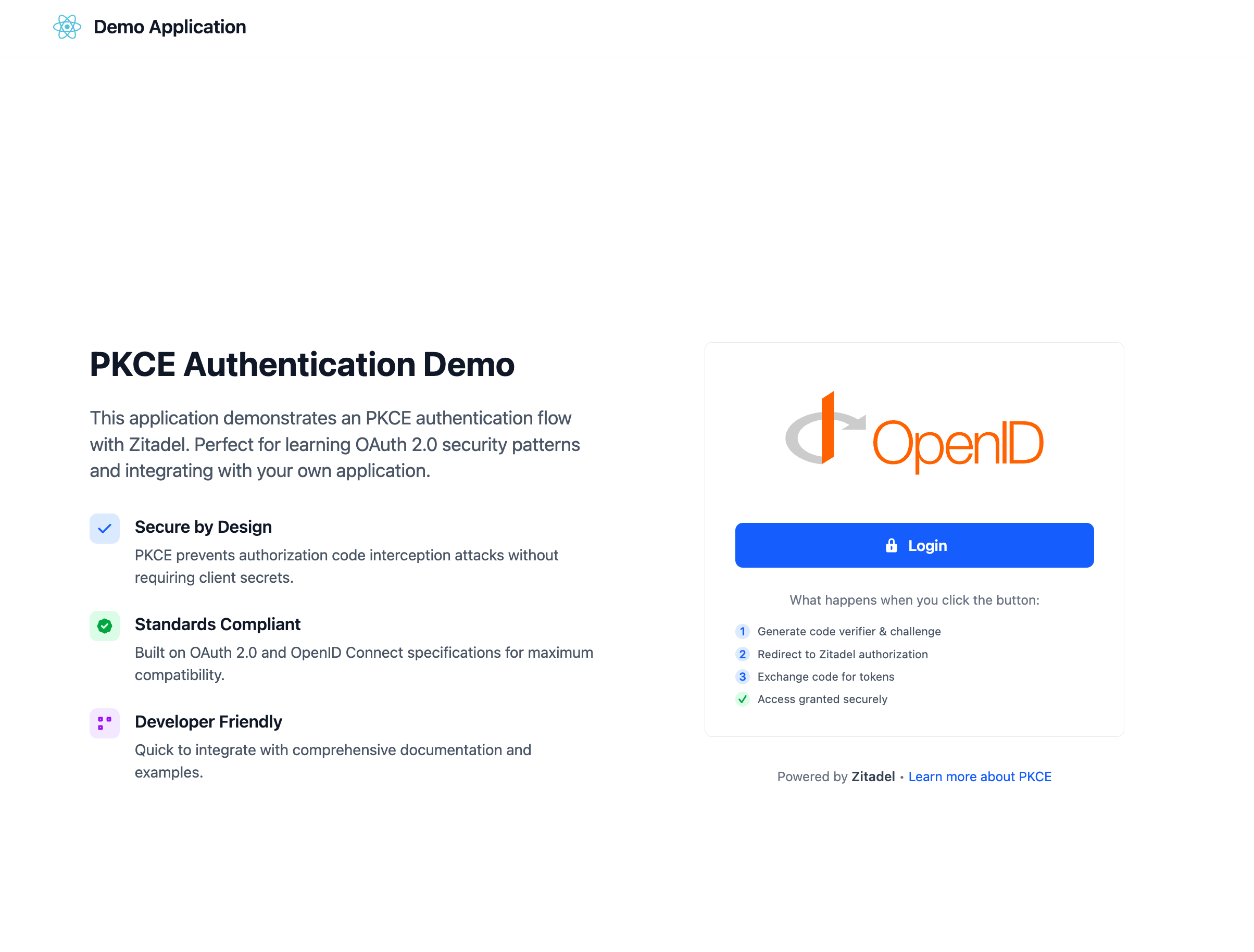
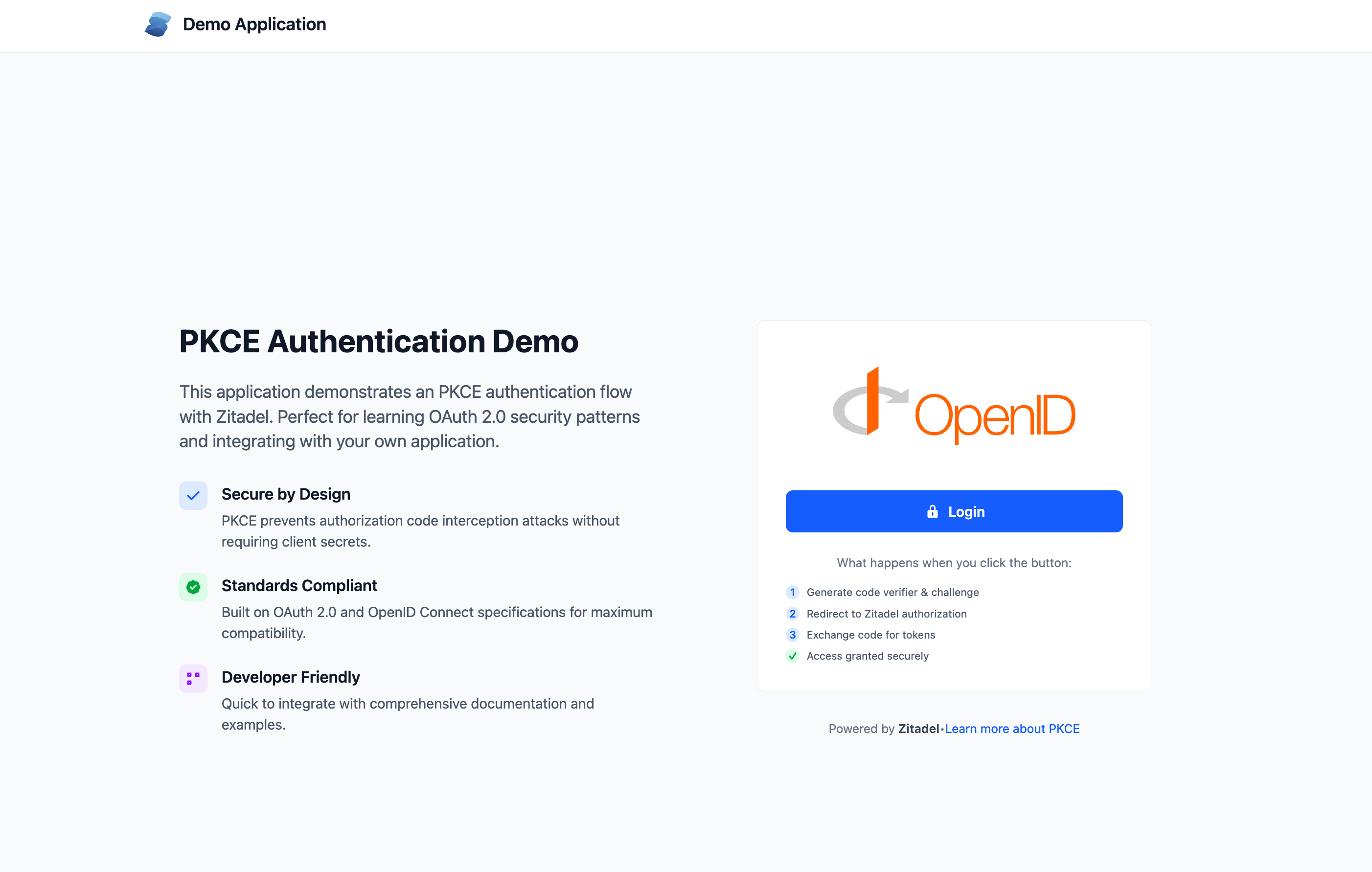
1. **Login**: App redirects the user to ZITADEL with a PKCE challenge.
2. **Auth**: User authenticates on the ZITADEL hosted login page.
3. **Exchange**: ZITADEL returns an Auth Code, which the app exchanges for an Access Token.
4. **Tokens**: The app shows the Access and ID Token
5. **Logout**: The app clears local tokens and terminates the ZITADEL session.
### 1. Prerequisites
- [Node.js](https://nodejs.org/)
- [npm](https://www.npmjs.com/)
- [Node.js](https://nodejs.org/)
- [npm](https://www.npmjs.com/)
- [.NET SDK 8 or later](https://dotnet.microsoft.com/download)
- [Python](https://www.python.org/)
- [Poetry](https://python-poetry.org/)
- [Node.js](https://nodejs.org/)
- [npm](https://www.npmjs.com/)
- [Python](https://www.python.org/)
- [Poetry](https://python-poetry.org/)
- [Node.js](https://nodejs.org/)
- [npm](https://www.npmjs.com/)
- [Python](https://www.python.org/)
- [Poetry](https://python-poetry.org/)
- [Flutter](https://docs.flutter.dev/install)
- [Go](https://go.dev/)
- [Node.js](https://nodejs.org/)
- [npm](https://www.npmjs.com/)
- [PHP](https://www.php.net/)
- [Composer](https://getcomposer.org/)
- [Node.js](https://nodejs.org/)
- [npm](https://www.npmjs.com/)
- [Node.js](https://nodejs.org/)
- [npm](https://www.npmjs.com/)
- [Node.js](https://nodejs.org/)
- [npm](https://www.npmjs.com/)
- [Node.js](https://nodejs.org/)
- [npm](https://www.npmjs.com/)
- [Node.js](https://nodejs.org/)
- [npm](https://www.npmjs.com/)
- [Node.js](https://nodejs.org/)
- [npm](https://www.npmjs.com/)
- [Java Development Kit (JDK)](https://www.java.com/en/)
- [Maven](https://maven.apache.org/)
- [PHP](https://www.php.net/)
- [Composer](https://getcomposer.org/)
- [Node.js](https://nodejs.org/)
- [npm](https://www.npmjs.com/)
- [Node.js](https://nodejs.org/)
- [npm](https://www.npmjs.com/)
### 2. Get the Example Project
```bash
git clone https://github.com/zitadel/example-auth-angular.git
cd example-auth-angular
```
```bash
git clone https://github.com/zitadel/example-auth-astro.git
cd example-auth-astro
```
```bash
git clone https://github.com/zitadel/example-auth-dotnet.git
cd example-auth-dotnet
```
```bash
git clone https://github.com/zitadel/example-auth-django.git
cd example-auth-django
```
```bash
git clone https://github.com/zitadel/example-auth-expressjs.git
cd example-auth-expressjs
```
```bash
git clone https://github.com/zitadel/example-auth-fastapi.git
cd example-auth-fastapi
```
```bash
git clone https://github.com/zitadel/example-auth-fastify.git
cd example-auth-fastify
```
```bash
git clone https://github.com/zitadel/example-auth-flask.git
cd example-auth-flask
```
```bash
git clone https://github.com/zitadel/zitadel_flutter.git
cd zitadel_flutter
```
```bash
git clone https://github.com/zitadel/zitadel-go.git
cd zitadel-go
```
```bash
git clone https://github.com/zitadel/zitadel-auth-hono.git
cd zitadel-auth-hono
```
```bash
git clone https://github.com/zitadel/example-auth-laravel.git
cd example-auth-laravel
```
```bash
git clone https://github.com/zitadel/example-auth-nestjs.git
cd example-auth-nestjs
```
```bash
git clone https://github.com/zitadel/example-auth-nextjs.git
cd example-auth-nextjs
```
```bash
git clone https://github.com/zitadel/example-auth-nuxtjs.git
cd example-auth-nuxtjs
```
```bash
git clone https://github.com/zitadel/example-auth-qwik.git
cd example-auth-qwik
```
```bash
git clone https://github.com/zitadel/example-auth-react.git
cd example-auth-react
```
```bash
git clone https://github.com/zitadel/example-auth-solidstart.git
cd example-auth-solidstart
```
```bash
git clone https://github.com/zitadel/example-auth-spring.git
cd example-auth-spring
```
```bash
git clone https://github.com/zitadel/example-auth-symfony.git
cd example-auth-symfony
```
```bash
git clone https://github.com/zitadel/example-auth-sveltekit.git
cd example-auth-sveltekit
```
```bash
git clone https://github.com/zitadel/example-auth-vue.git
cd example-auth-vue
```
### 3. Configure your Credentials
1. Copy+paste the .env.example to .env
2. Update the ZITADEL_CLIENT_ID and ZITADEL_DOMAIN with the client id and issuer you collected in Step 5.
```bash
PORT=3000
NG_APP_ZITADEL_DOMAIN="https://your-zitadel-domain"
NG_APP_ZITADEL_CLIENT_ID="your-client-id"
NG_APP_ZITADEL_CALLBACK_URL="http://localhost:3000/auth/callback"
NG_APP_ZITADEL_POST_LOGOUT_URL="http://localhost:3000/auth/logout/callback"
NG_APP_ZITADEL_POST_LOGIN_URL="/profile"
```
1. Copy+paste the .env.example to .env
2. Update the ZITADEL_CLIENT_ID, ZITADEL_CLIENT_SECRET and ZITADEL_DOMAIN with the client id and issuer you collected in Step 5.
```bash
NODE_ENV=development
PORT=3000
SESSION_SECRET="your-very-secret-and-strong-session-key"
SESSION_DURATION=3600
ZITADEL_DOMAIN="https://your-zitadel-domain"
ZITADEL_CLIENT_ID="your-zitadel-application-client-id"
ZITADEL_CLIENT_SECRET="your-zitadel-application-client-secret"
ZITADEL_CALLBACK_URL="http://localhost:3000/api/auth/callback/zitadel"
ZITADEL_POST_LOGIN_URL="/profile"
ZITADEL_POST_LOGOUT_URL="http://localhost:3000/api/auth/logout/callback"
NEXTAUTH_URL="http://localhost:3000"
```
1. Copy+paste the .env.example to .env
2. Update the ZITADEL_CLIENT_ID, ZITADEL_CLIENT_SECRET and ZITADEL_DOMAIN with the client id and issuer you collected in Step 5.
```bash
PORT=3000
SESSION_DURATION=3600
ZITADEL_DOMAIN="https://your-zitadel-domain"
ZITADEL_CLIENT_ID="your-zitadel-application-client-id"
ZITADEL_CLIENT_SECRET="your-randomly-generated-client-secret"
ZITADEL_POST_LOGOUT_URL="http://localhost:3000/auth/logout/callback"
```
1. Copy+paste the .env.example to .env
2. Update the ZITADEL_CLIENT_ID and ZITADEL_DOMAIN with the client id and issuer you collected in Step 5.
```bash
PY_ENV=development
PORT=3000
SESSION_SECRET="your-very-secret-and-strong-session-key"
SESSION_DURATION=3600
ZITADEL_DOMAIN="https://your-zitadel-domain"
ZITADEL_CLIENT_ID="your-zitadel-application-client-id"
ZITADEL_CLIENT_SECRET="your-randomly-generated-client-secret"
ZITADEL_CALLBACK_URL="http://localhost:3000/auth/callback"
ZITADEL_POST_LOGIN_URL="/profile"
ZITADEL_POST_LOGOUT_URL="http://localhost:3000/auth/logout/callback"
```
1. Copy+paste the .env.example to .env
2. Update the ZITADEL_CLIENT_ID, ZITADEL_CLIENT_SECRET and ZITADEL_DOMAIN with the client id and issuer you collected in Step 5.
```bash
NODE_ENV=development
PORT=3000
SESSION_SECRET="your-very-secret-and-strong-session-key"
SESSION_DURATION=3600
ZITADEL_DOMAIN="https://your-zitadel-domain"
ZITADEL_CLIENT_ID="your-zitadel-application-client-id"
ZITADEL_CLIENT_SECRET="your-zitadel-application-client-secret"
ZITADEL_CALLBACK_URL="http://localhost:3000/auth/callback/zitadel"
ZITADEL_POST_LOGIN_URL="/profile"
ZITADEL_POST_LOGOUT_URL="http://localhost:3000/auth/logout/callback"
```
1. Copy+paste the .env.example to .env
2. Update the ZITADEL_CLIENT_ID, ZITADEL_CLIENT_SECRET and ZITADEL_DOMAIN with the client id and issuer you collected in Step 5.
```bash
PY_ENV=development
PORT=3000
SESSION_SECRET="your-very-secret-and-strong-session-key"
SESSION_DURATION=3600
ZITADEL_DOMAIN="https://your-zitadel-domain"
ZITADEL_CLIENT_ID="your-zitadel-application-client-id"
ZITADEL_CLIENT_SECRET="your-zitadel-application-client-secret"
ZITADEL_CALLBACK_URL="http://localhost:3000/auth/callback"
ZITADEL_POST_LOGIN_URL="/profile"
ZITADEL_POST_LOGOUT_URL="http://localhost:3000/auth/logout/callback"
```
1. Copy+paste the .env.example to .env
2. Update the ZITADEL_CLIENT_ID, ZITADEL_CLIENT_SECRET and ZITADEL_DOMAIN with the client id and issuer you collected in Step 5.
```bash
NODE_ENV=development
PORT=3000
SESSION_SECRET="your-very-secret-and-strong-session-key"
SESSION_DURATION=3600
ZITADEL_DOMAIN="https://your-zitadel-domain"
ZITADEL_CLIENT_ID="your-zitadel-application-client-id"
ZITADEL_CLIENT_SECRET="your-zitadel-application-client-secret"
ZITADEL_CALLBACK_URL="http://localhost:3000/auth/callback/zitadel"
ZITADEL_POST_LOGIN_URL="/profile"
ZITADEL_POST_LOGOUT_URL="http://localhost:3000/auth/logout/callback"
```
1. Copy+paste the .env.example to .env
2. Update the ZITADEL_CLIENT_ID, ZITADEL_CLIENT_SECRET and ZITADEL_DOMAIN with the client id and issuer you collected in Step 5.
```bash
PY_ENV=development
PORT=3000
SESSION_SECRET="your-very-secret-and-strong-session-key"
SESSION_DURATION=3600
ZITADEL_DOMAIN="https://your-zitadel-domain"
ZITADEL_CLIENT_ID="your-zitadel-application-client-id"
ZITADEL_CLIENT_SECRET="your-zitadel-application-client-secret"
ZITADEL_CALLBACK_URL="http://localhost:3000/auth/callback"
ZITADEL_POST_LOGIN_URL="/profile"
ZITADEL_POST_LOGOUT_URL="http://localhost:3000/auth/logout/callback"
```
No action required for this step.
The issuer and client Id will be passed directly when running the app (next step)
No action required for this step.
The issuer and client Id will be passed directly when running the app (next step)
1. Copy+paste the .env.example to .env
2. Update the ZITADEL_CLIENT_ID, ZITADEL_CLIENT_SECRET and ZITADEL_DOMAIN with the client id and issuer you collected in Step 5.
```bash
NODE_ENV=development
PORT=3000
SESSION_SECRET="your-very-secret-and-strong-session-key"
SESSION_DURATION=3600
ZITADEL_DOMAIN="https://your-zitadel-domain"
ZITADEL_CLIENT_ID="your-zitadel-application-client-id"
ZITADEL_CLIENT_SECRET="your-zitadel-application-client-secret"
ZITADEL_CALLBACK_URL="http://localhost:3000/auth/callback/zitadel"
ZITADEL_POST_LOGIN_URL="/profile"
ZITADEL_POST_LOGOUT_URL="http://localhost:3000/auth/logout/callback"
```
1. Copy+paste the .env.example to .env
2. Update the ZITADEL_CLIENT_ID, ZITADEL_CLIENT_SECRET and ZITADEL_DOMAIN with the client id and issuer you collected in Step 5.
3. Generate app key, this will update the APP_KEY variable in the .env file
```bash
php artisan key:generate
```
```bash
APP_KEY="your-app-key"
APP_ENV=local
APP_DEBUG=true
SERVER_URL="http://localhost:3000"
SERVER_PORT=3000
DB_CONNECTION=sqlite
ZITADEL_DOMAIN="https://your-zitadel-domain"
ZITADEL_CLIENT_ID="your-zitadel-application-client-id"
ZITADEL_CLIENT_SECRET="your-randomly-generated-client-secret"
ZITADEL_POST_LOGOUT_URL="http://localhost:3000/auth/logout/callback"
```
1. Copy+paste the .env.example to .env.local
2. Update the ZITADEL_CLIENT_ID, ZITADEL_CLIENT_SECRET and ZITADEL_DOMAIN with the client id and issuer you collected in Step 5.
```bash
NODE_ENV=development
PORT=3000
SESSION_SECRET="your-very-secret-and-strong-session-key"
SESSION_SALT="your-very-secret-and-strong-session-salt"
SESSION_DURATION=3600
ZITADEL_DOMAIN="https://your-zitadel-domain"
ZITADEL_CLIENT_ID="your-zitadel-application-client-id"
ZITADEL_CLIENT_SECRET="your-zitadel-application-client-secret"
ZITADEL_CALLBACK_URL="http://localhost:3000/auth/callback/zitadel"
ZITADEL_POST_LOGIN_URL="/profile"
ZITADEL_POST_LOGOUT_URL="http://localhost:3000/auth/logout/callback"
```
1. Copy+paste the .env.example to .env
2. Update the ZITADEL_CLIENT_ID, ZITADEL_CLIENT_SECRET and ZITADEL_DOMAIN with the client id and issuer you collected in Step 5.
```bash
NODE_ENV=development
PORT=3000
SESSION_SECRET="your-very-secret-and-strong-session-key"
SESSION_DURATION=3600
ZITADEL_DOMAIN="[https://your-instance.zitadel.cloud/](https://your-instance.zitadel.cloud/)"
ZITADEL_CLIENT_ID="zitadel-client-id"
ZITADEL_CLIENT_SECRET="zitadel-client-secret"
ZITADEL_CALLBACK_URL="http://localhost:3000/api/auth/callback/zitadel"
ZITADEL_POST_LOGIN_URL="/profile"
ZITADEL_POST_LOGOUT_URL="http://localhost:3000/api/auth/logout/callback"
NEXTAUTH_URL="http://localhost:3000"
```
1. Copy+paste the .env.example to .env
2. Update the ZITADEL_CLIENT_ID, ZITADEL_CLIENT_SECRET and ZITADEL_DOMAIN with the client id and issuer you collected in Step 5.
```bash
NODE_ENV=development
PORT=3000
SESSION_SECRET="your-very-secret-and-strong-session-key"
SESSION_DURATION=3600
ZITADEL_DOMAIN="https://your-zitadel-domain"
ZITADEL_CLIENT_ID="your-zitadel-application-client-id"
ZITADEL_CLIENT_SECRET="your-zitadel-application-client-secret"
ZITADEL_CALLBACK_URL="http://localhost:3000/api/auth/callback/zitadel"
ZITADEL_POST_LOGIN_URL="/profile"
ZITADEL_POST_LOGOUT_URL="http://localhost:3000"
NEXTAUTH_URL="http://localhost:3000"
```
1. Copy+paste the .env.example to .env
2. Update the ZITADEL_CLIENT_ID, ZITADEL_CLIENT_SECRET and ZITADEL_DOMAIN with the client id and issuer you collected in Step 5.
```bash
NODE_ENV=development
VITE_PORT=3000
VITE_SESSION_SECRET="your-very-secret-and-strong-session-key"
VITE_SESSION_DURATION=3600
VITE_ZITADEL_DOMAIN="https://your-zitadel-domain"
VITE_ZITADEL_CLIENT_ID="your-zitadel-application-client-id"
VITE_ZITADEL_CLIENT_SECRET="your-zitadel-application-client-secret"
VITE_ZITADEL_CALLBACK_URL="http://localhost:3000/auth/callback/zitadel"
VITE_ZITADEL_POST_LOGOUT_URL="http://localhost:3000/api/auth/logout/callback"
```
1. Copy+paste the .env.example to .env
2. Update the ZITADEL_CLIENT_ID and ZITADEL_DOMAIN with the client id and issuer you collected in Step 5.
```bash
NODE_ENV=development
PORT=3000
VITE_ZITADEL_DOMAIN="https://your-zitadel-domain"
VITE_ZITADEL_CLIENT_ID="your-client-id"
VITE_ZITADEL_CALLBACK_URL="http://localhost:3000/auth/callback"
VITE_ZITADEL_POST_LOGIN_URL="/profile"
VITE_ZITADEL_POST_LOGOUT_URL="http://localhost:3000"
```
1. Copy+paste the .env.example to .env
2. Update the ZITADEL_CLIENT_ID, ZITADEL_CLIENT_SECRET and ZITADEL_DOMAIN with the client id and issuer you collected in Step 5.
```bash
NODE_ENV=development
PORT=3000
SESSION_SECRET="your-very-secret-and-strong-session-key"
SESSION_DURATION=3600
ZITADEL_DOMAIN="https://your-zitadel-domain"
ZITADEL_CLIENT_ID="your-zitadel-application-client-id"
ZITADEL_CLIENT_SECRET="your-zitadel-application-client-secret"
ZITADEL_CALLBACK_URL="http://localhost:3000/api/auth/callback/zitadel"
ZITADEL_POST_LOGIN_URL="/profile"
ZITADEL_POST_LOGOUT_URL="http://localhost:3000/api/auth/logout/callback"
NEXTAUTH_URL="http://localhost:3000"
```
1. Copy+paste the .env.example to .env
2. Update the ZITADEL_CLIENT_ID, ZITADEL_CLIENT_SECRET and ZITADEL_DOMAIN with the client id and issuer you collected in Step 5.
```bash
SPRING_PROFILES_ACTIVE=development
PORT=3000
SESSION_SECRET="your-very-secret-and-strong-session-key"
SESSION_DURATION=3600
ZITADEL_DOMAIN="https://your-zitadel-domain"
ZITADEL_CLIENT_ID="your-zitadel-application-client-id"
ZITADEL_CLIENT_SECRET="your-randomly-generated-client-secret"
ZITADEL_CALLBACK_URL="http://localhost:3000/auth/callback"
ZITADEL_POST_LOGOUT_URL="http://localhost:3000/auth/logout/callback"
```
1. Copy+paste the .env.example to .env
2. Update the ZITADEL_CLIENT_ID, ZITADEL_CLIENT_SECRET and ZITADEL_DOMAIN with the client id and issuer you collected in Step 5.
```bash
APP_SECRET="your-app-secret-key"
SERVER_URL="http://localhost:3000"
SERVER_PORT=3000
ZITADEL_DOMAIN="https://your-zitadel-domain"
ZITADEL_CLIENT_ID="your-zitadel-application-client-id"
ZITADEL_CLIENT_SECRET="your-randomly-generated-client-secret"
ZITADEL_POST_LOGOUT_URL="http://localhost:3000/auth/logout/callback"
```
1. Copy+paste the .env.example to .env
2. Update the ZITADEL_CLIENT_ID, ZITADEL_CLIENT_SECRET and ZITADEL_DOMAIN with the client id and issuer you collected in Step 5.
```bash
SESSION_SECRET="your-very-secret-and-strong-session-key"
SESSION_DURATION=3600
# Example: https://my-org-a1b2c3.zitadel.cloud
ZITADEL_DOMAIN="https://your-zitadel-domain"
ZITADEL_CLIENT_ID="your-zitadel-application-client-id"
ZITADEL_CLIENT_SECRET="your-zitadel-application-client-secret"
ZITADEL_CALLBACK_URL="http://localhost:3000/auth/callback/zitadel"
ZITADEL_POST_LOGIN_URL="/profile"
ZITADEL_POST_LOGOUT_URL="http://localhost:3000/auth/logout/callback"
NEXTAUTH_URL="http://localhost:3000"
```
1. Copy+paste the .env.example to .env
2. Update the ZITADEL_CLIENT_ID and ZITADEL_DOMAIN with the client id and issuer you collected in Step 5.
```bash
NODE_ENV=development
PORT=3000
VITE_ZITADEL_DOMAIN="https://your-zitadel-domain"
VITE_ZITADEL_CLIENT_ID="your-client-id"
VITE_ZITADEL_CALLBACK_URL="http://localhost:3000/auth/callback"
VITE_ZITADEL_POST_LOGIN_URL="/profile"
VITE_ZITADEL_POST_LOGOUT_URL="http://localhost:3000"
```
### 4. Build and Run
```bash
make start
```
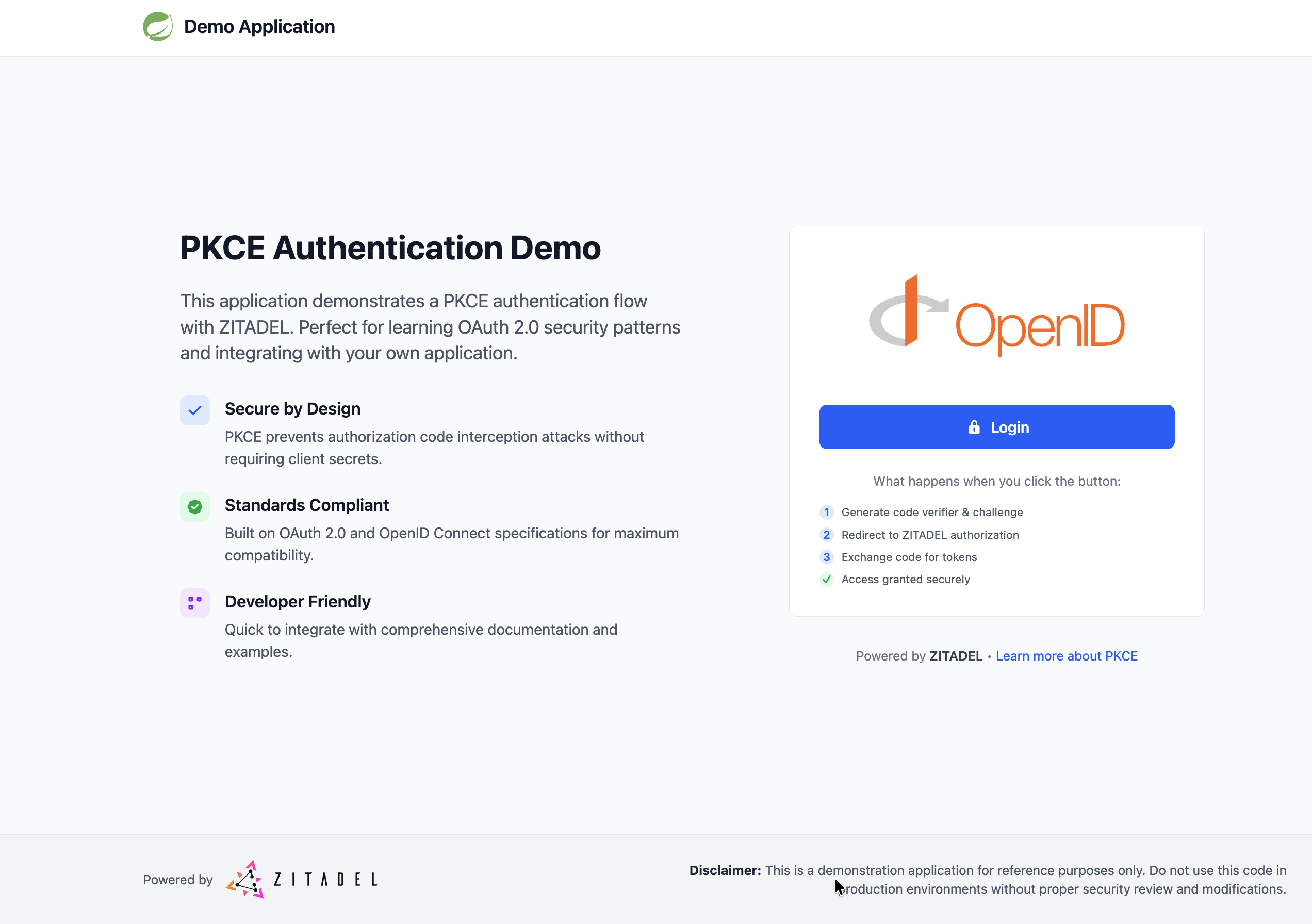
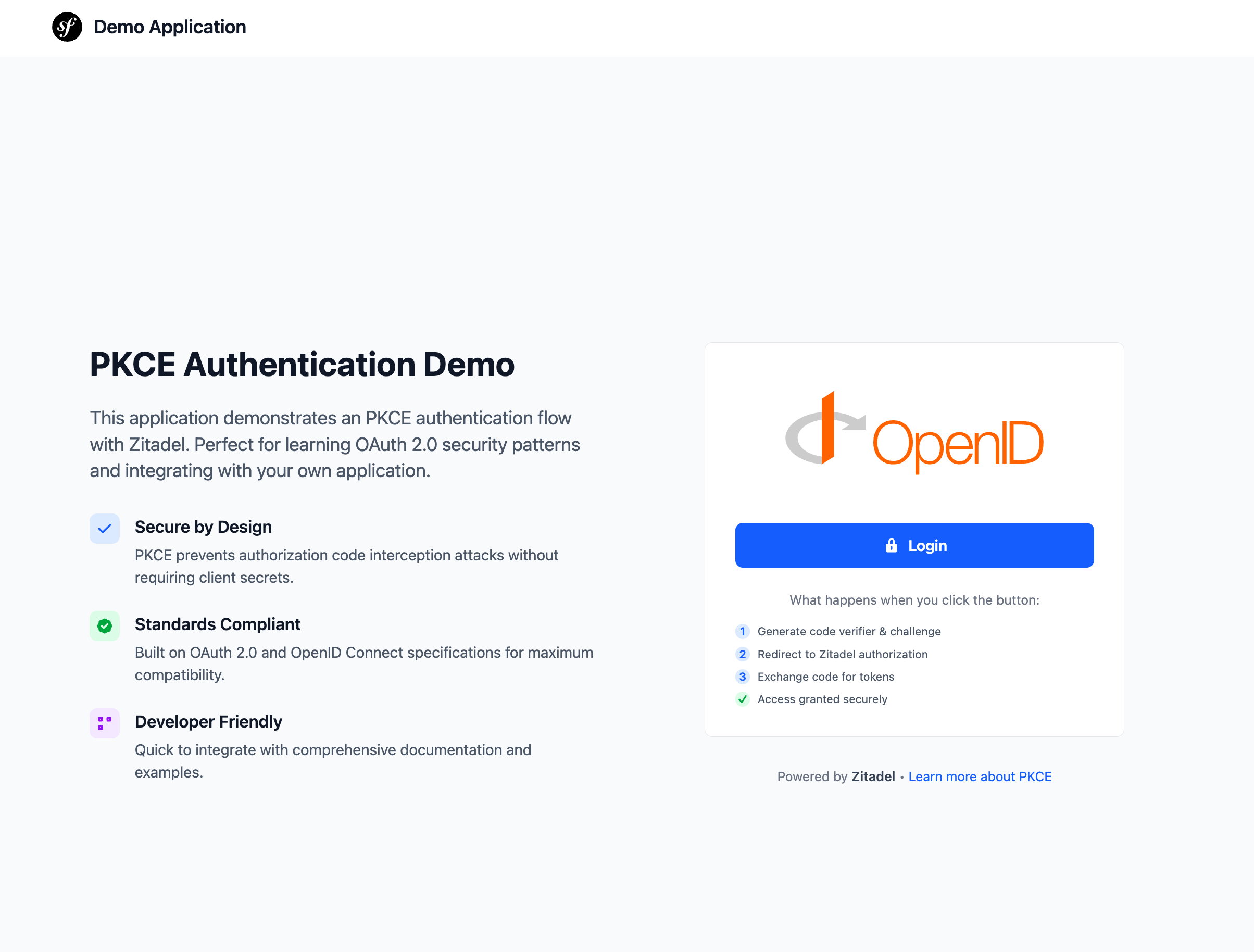
Your app will be live at `http://localhost:3000`.
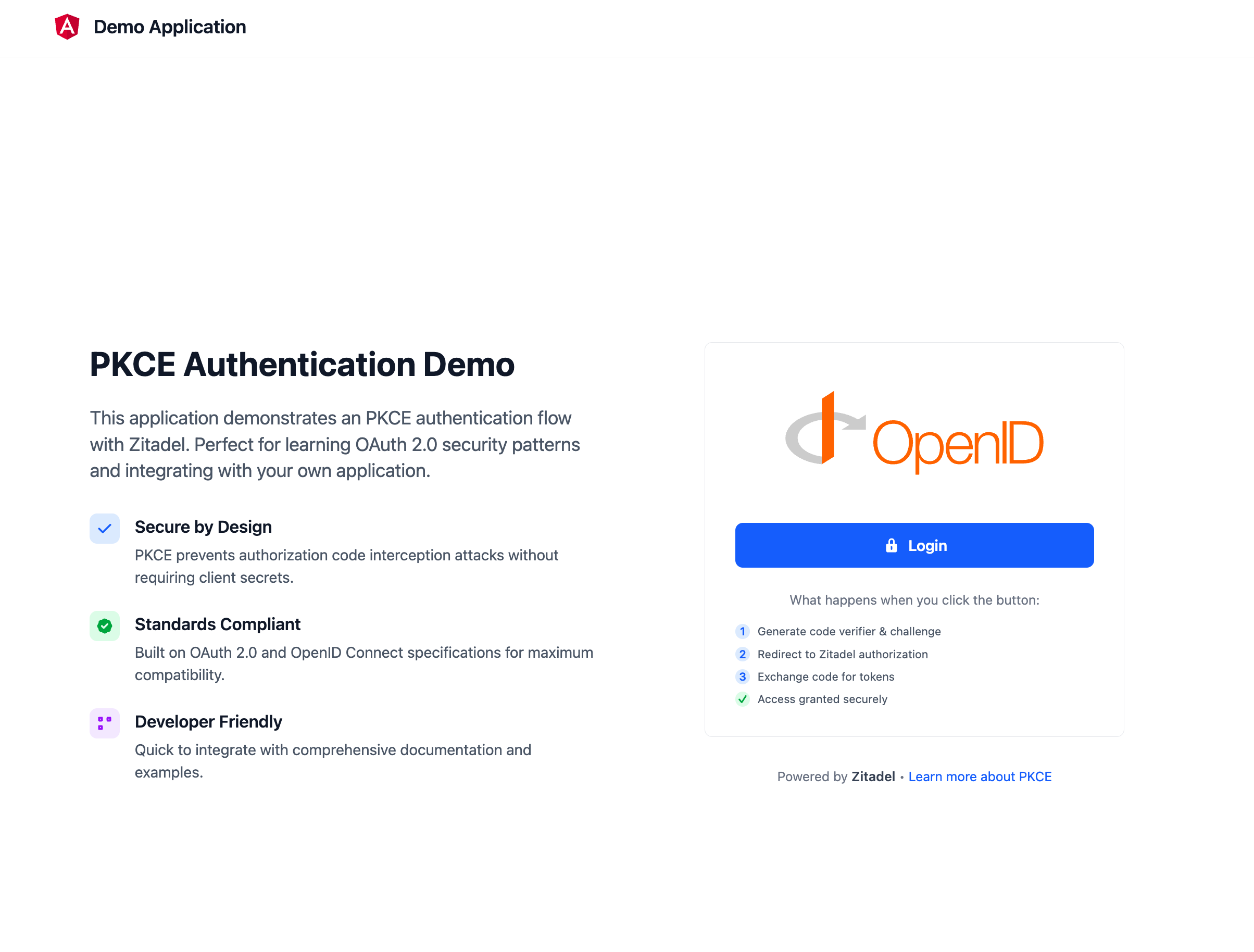
```bash
make start
```
Your app will be live at `http://localhost:3000`.
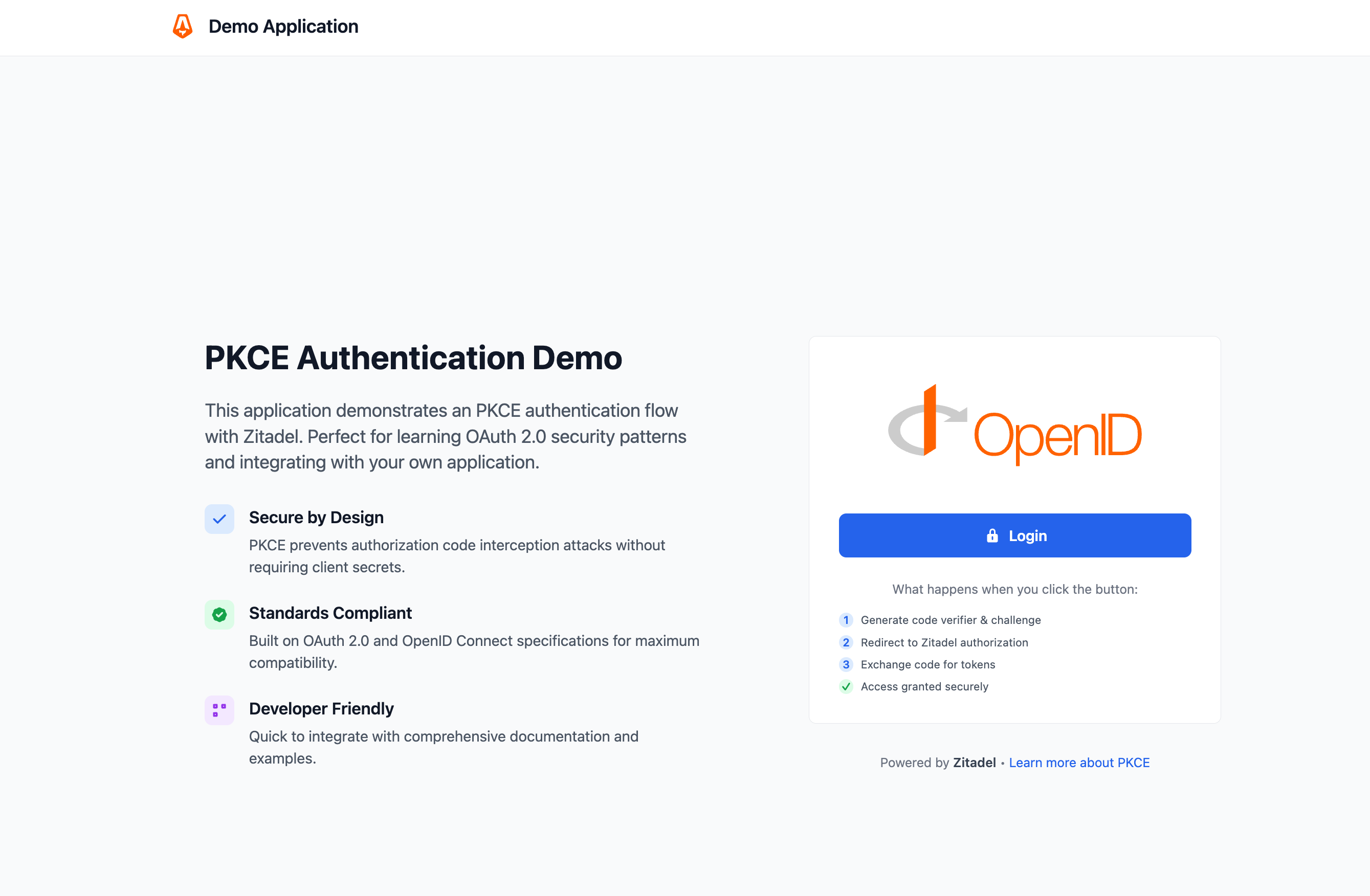
```bash
make start
```
Your app will be live at `http://localhost:3000`.
```bash
make start
```
Your app will be live at `http://localhost:3000`.
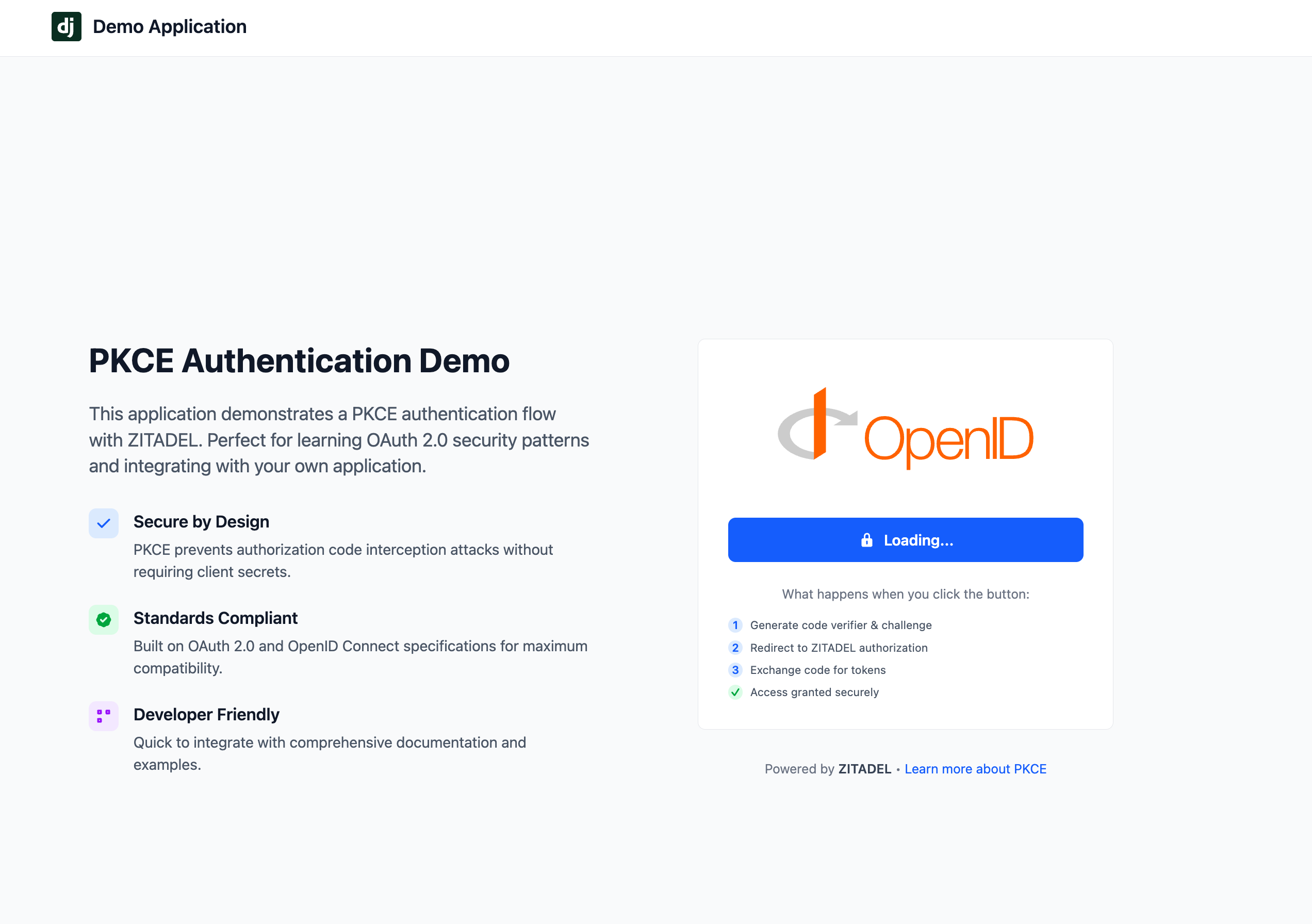
```bash
make start
```
Your app will be live at `http://localhost:3000`.
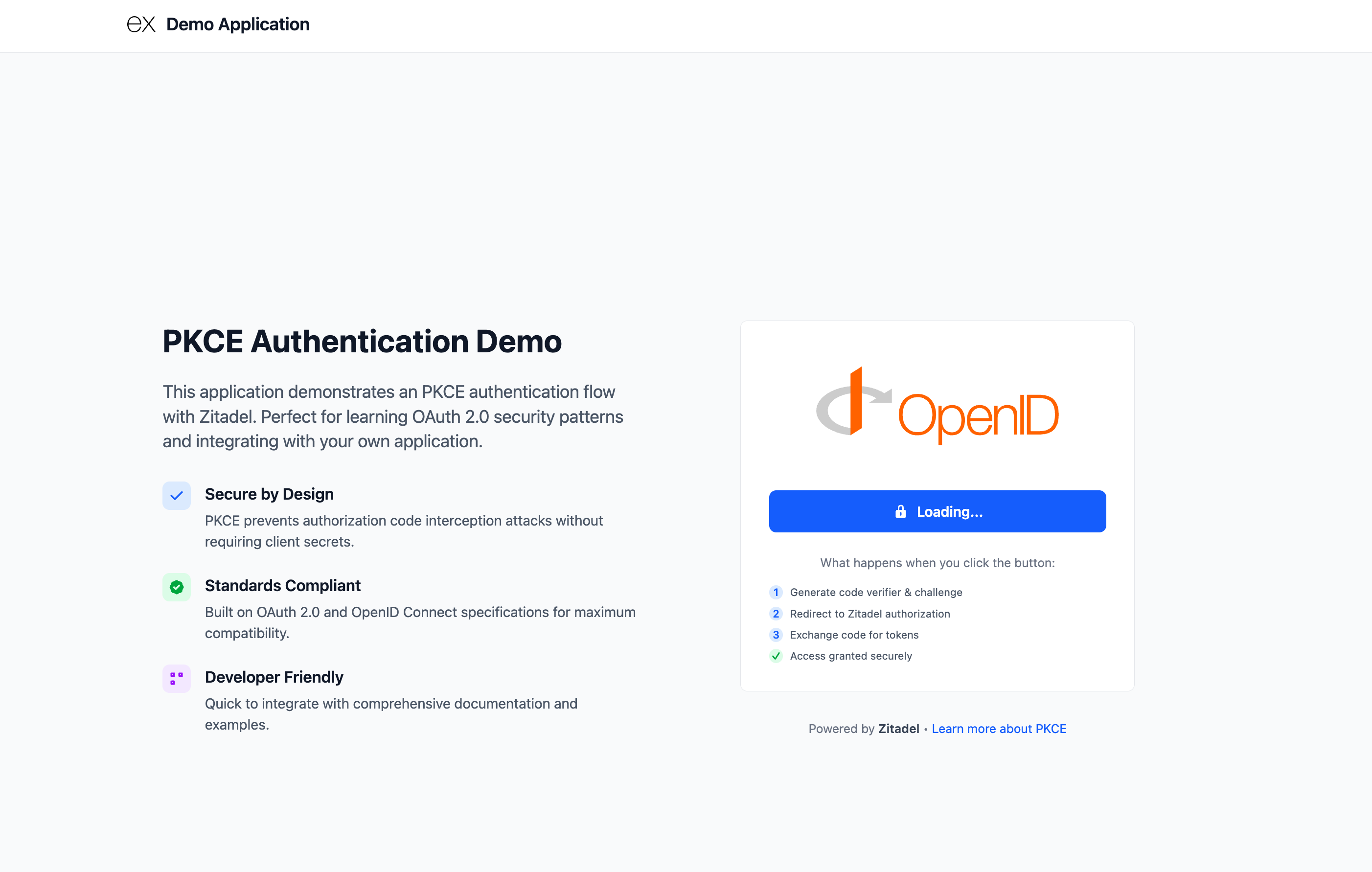
```bash
make start
```
Your app will be live at `http://localhost:3000`.
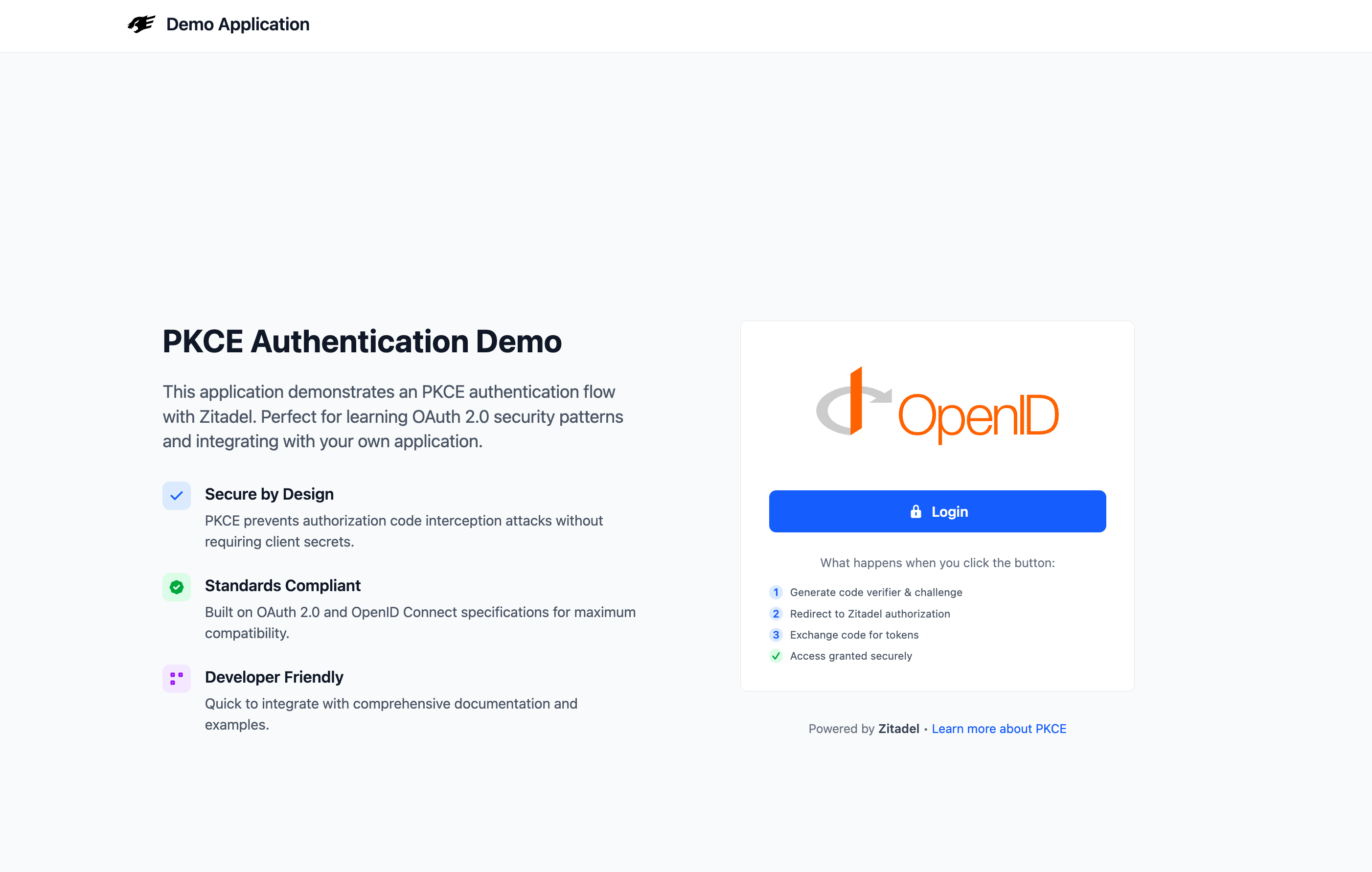
```bash
make start
```
Your app will be live at `http://localhost:3000`.
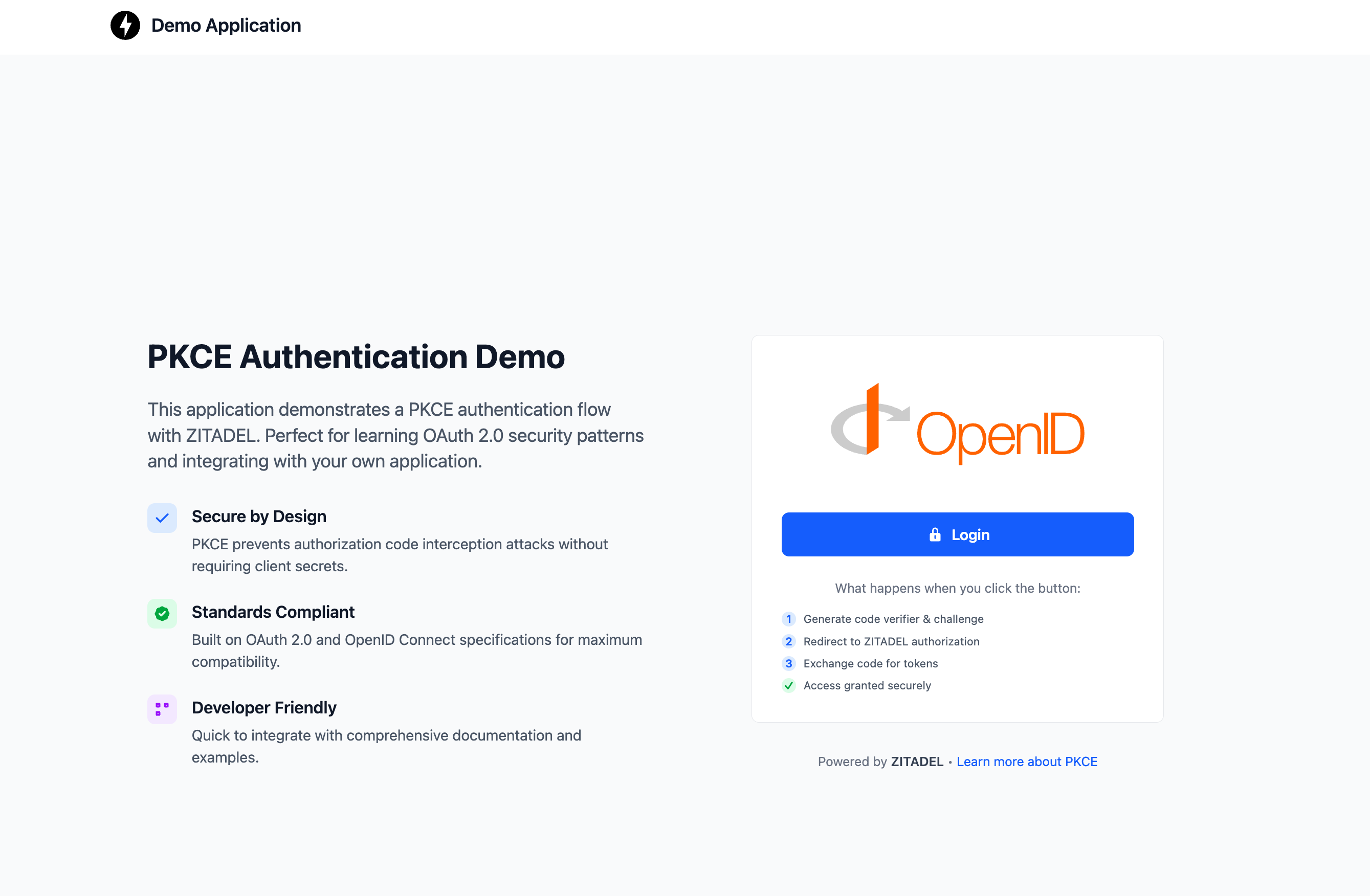
```bash
make start
```
Your app will be live at `http://localhost:3000`.
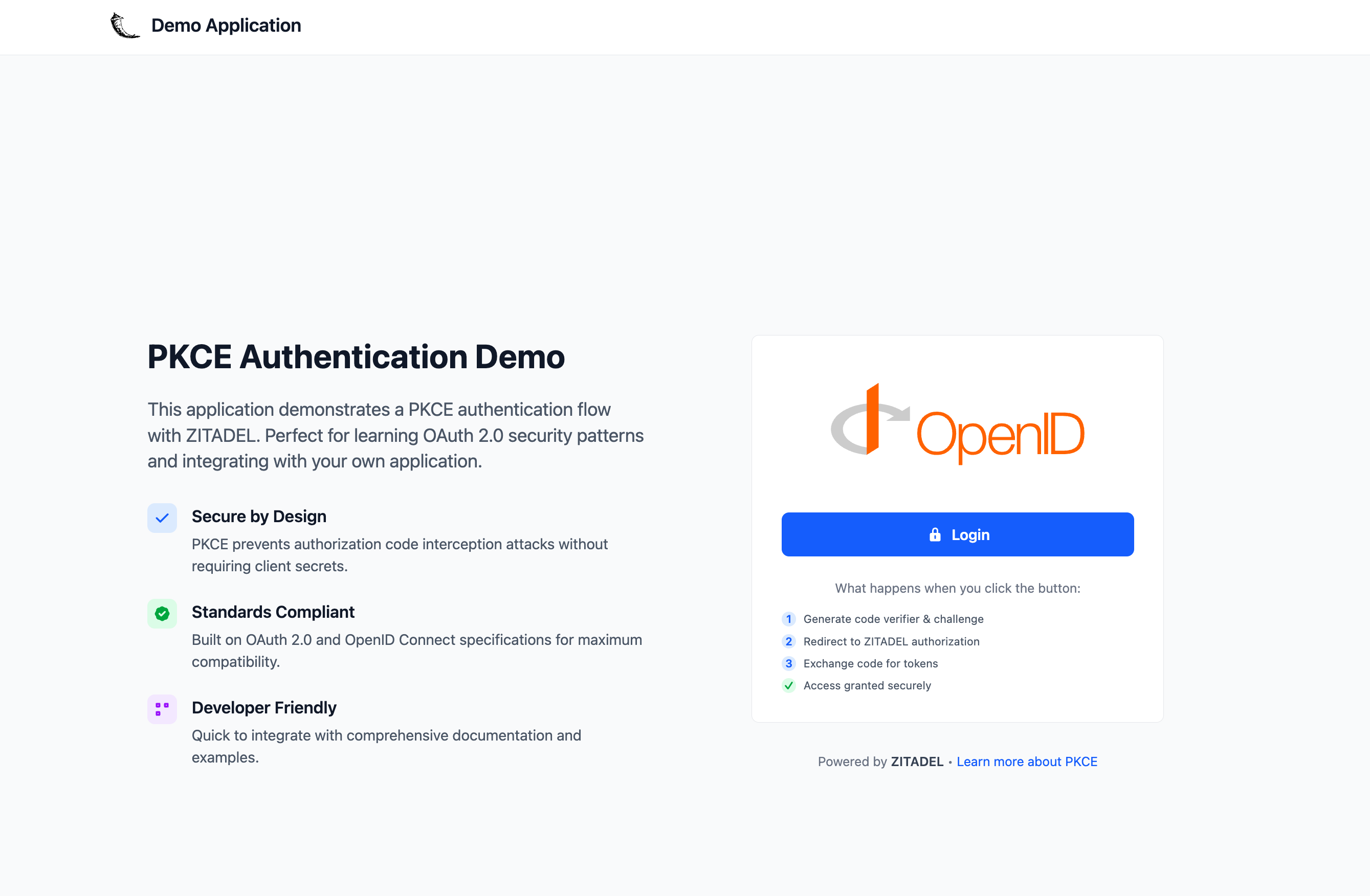
Make sure to replace the [zitadel_issuer] and [zitadel_client_id] with your own value before running the command
```bash
flutter run -d chrome --web-port=4444 --dart-define zitadel_url=[zitadel_issuer] --dart-define zitadel_client_id=[zitadel_client_id]
```
Your app will be live at `http://localhost:4444`.
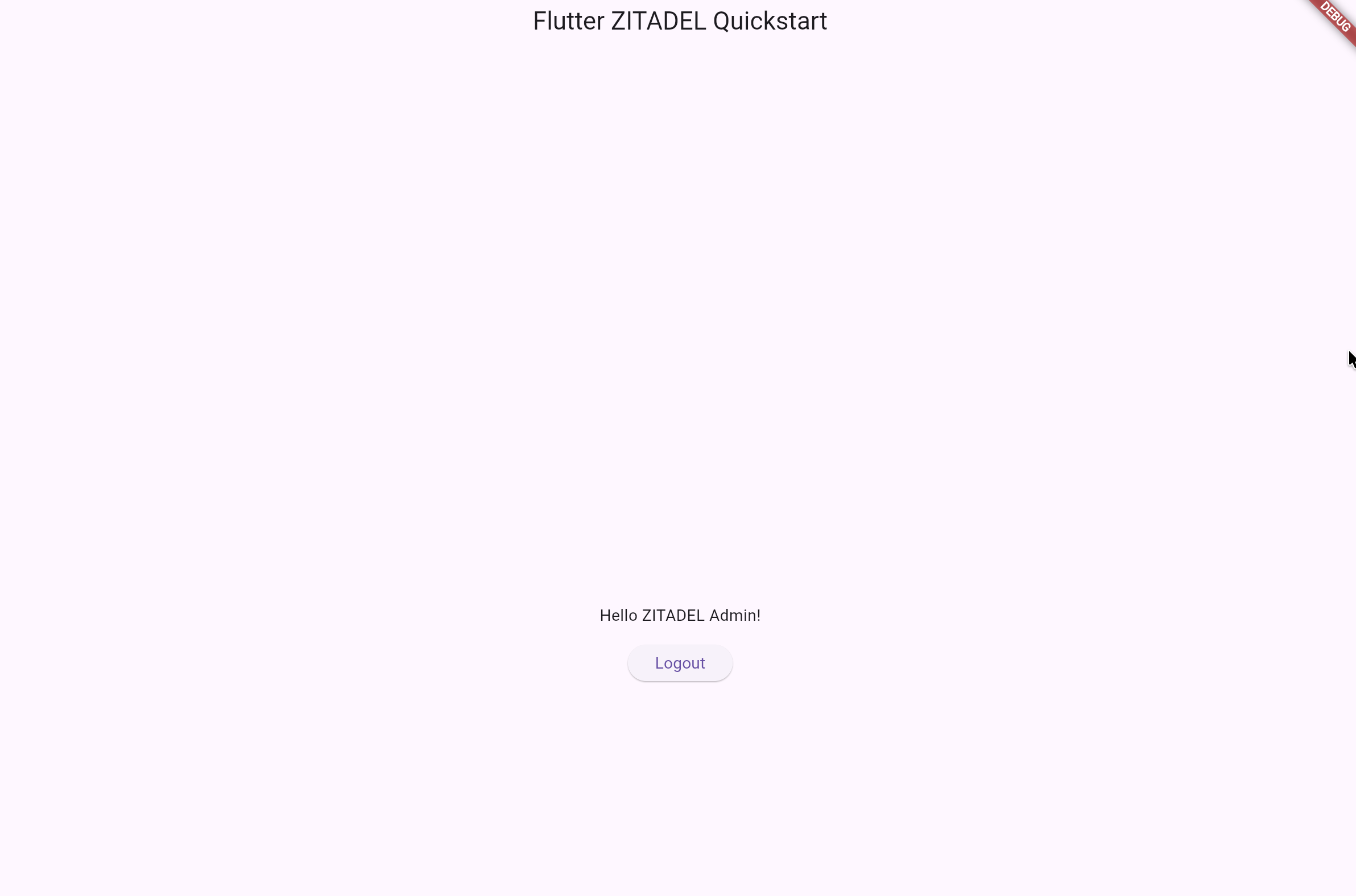
Make sure to replace the [zitadel_domain] (use the domain from the issuer without the https://) and [zitadel_client_id] with your own value before running the command
```bash
go run example/app/app.go --domain [zitadel_domain] --key XKv2Lqd7YAq13NUZVUWZEWZeruqyzViM --clientID [zitadel_client_id] --redirectURI http://localhost:8089/auth/callback
```
Your app will be live at `http://localhost:8089`.
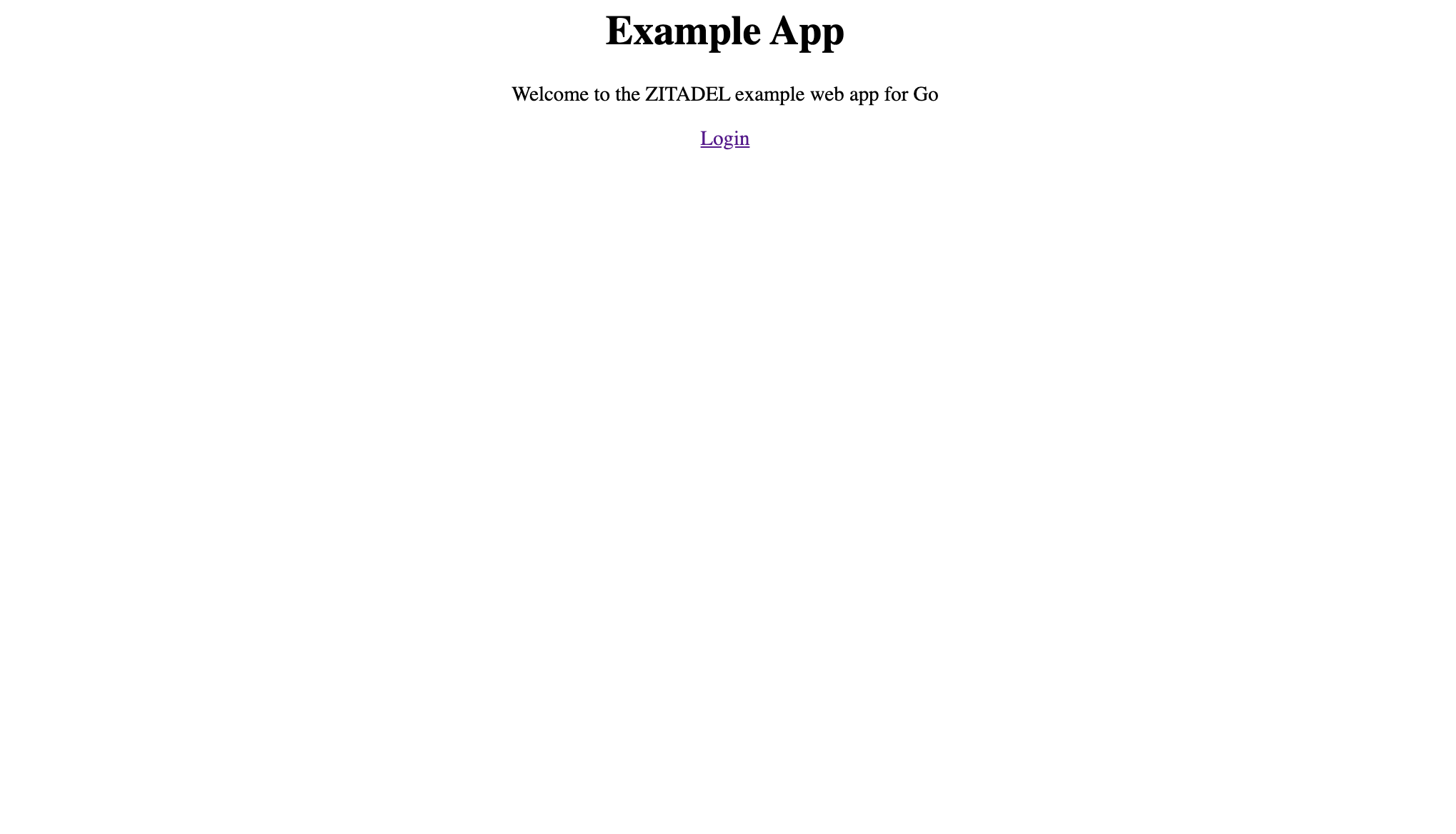
```bash
make start
```
Your app will be live at `http://localhost:3000`.
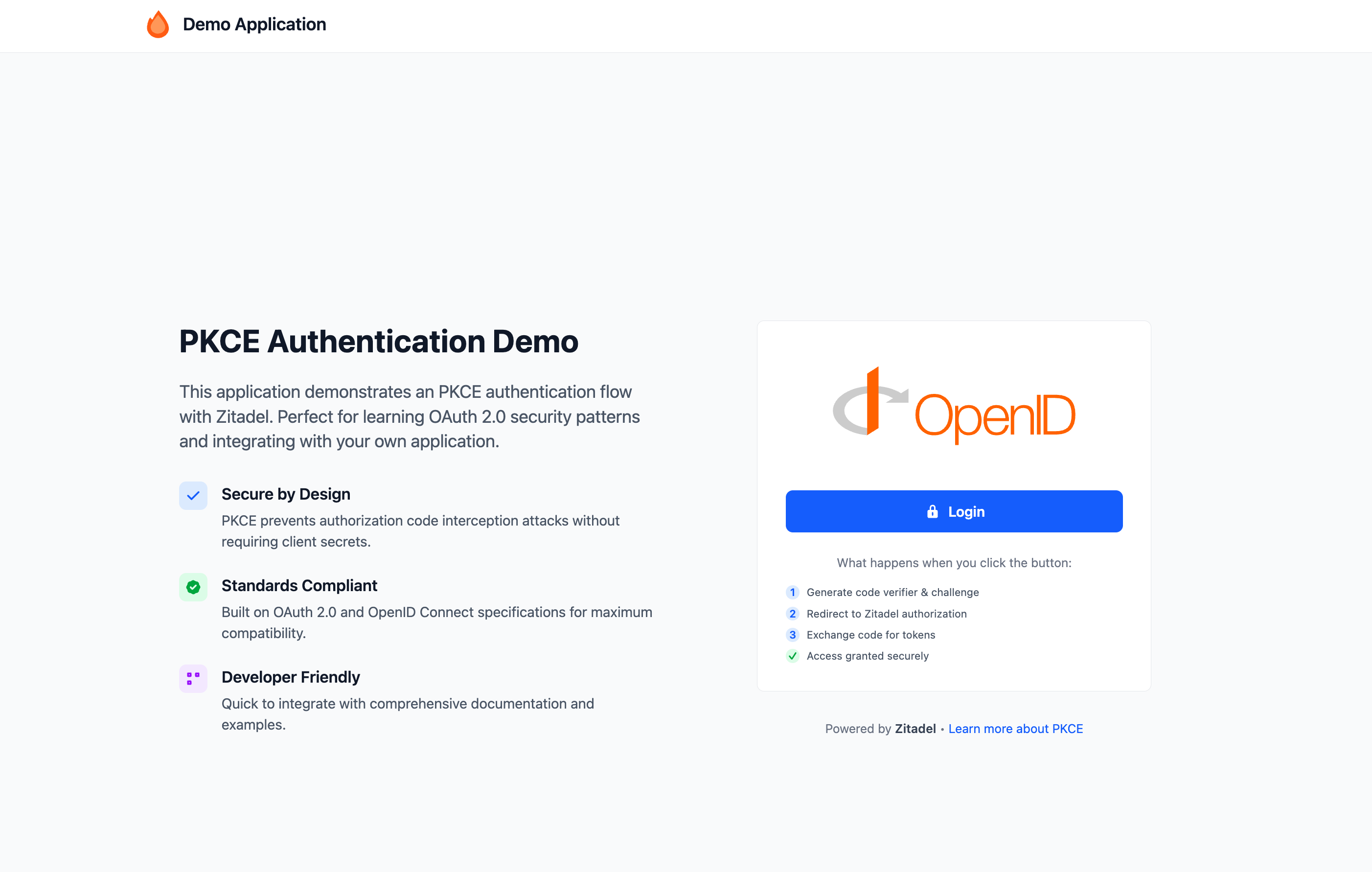
```bash
make start
```
Your app will be live at `http://localhost:3000`.

```bash
make start
```
Your app will be live at `http://localhost:3000`.
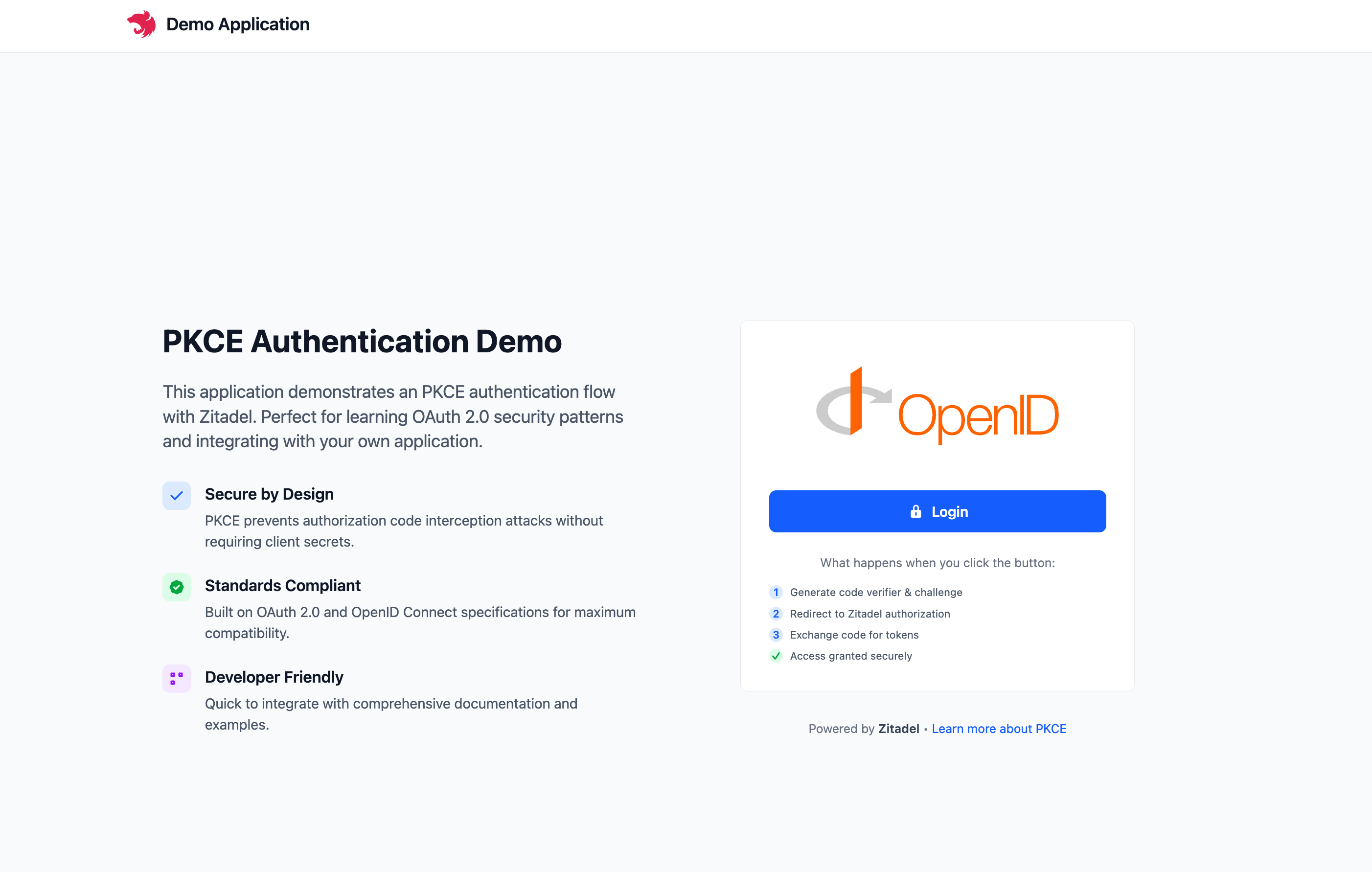
```bash
make start
```
Your app will be live at `http://localhost:3000`.
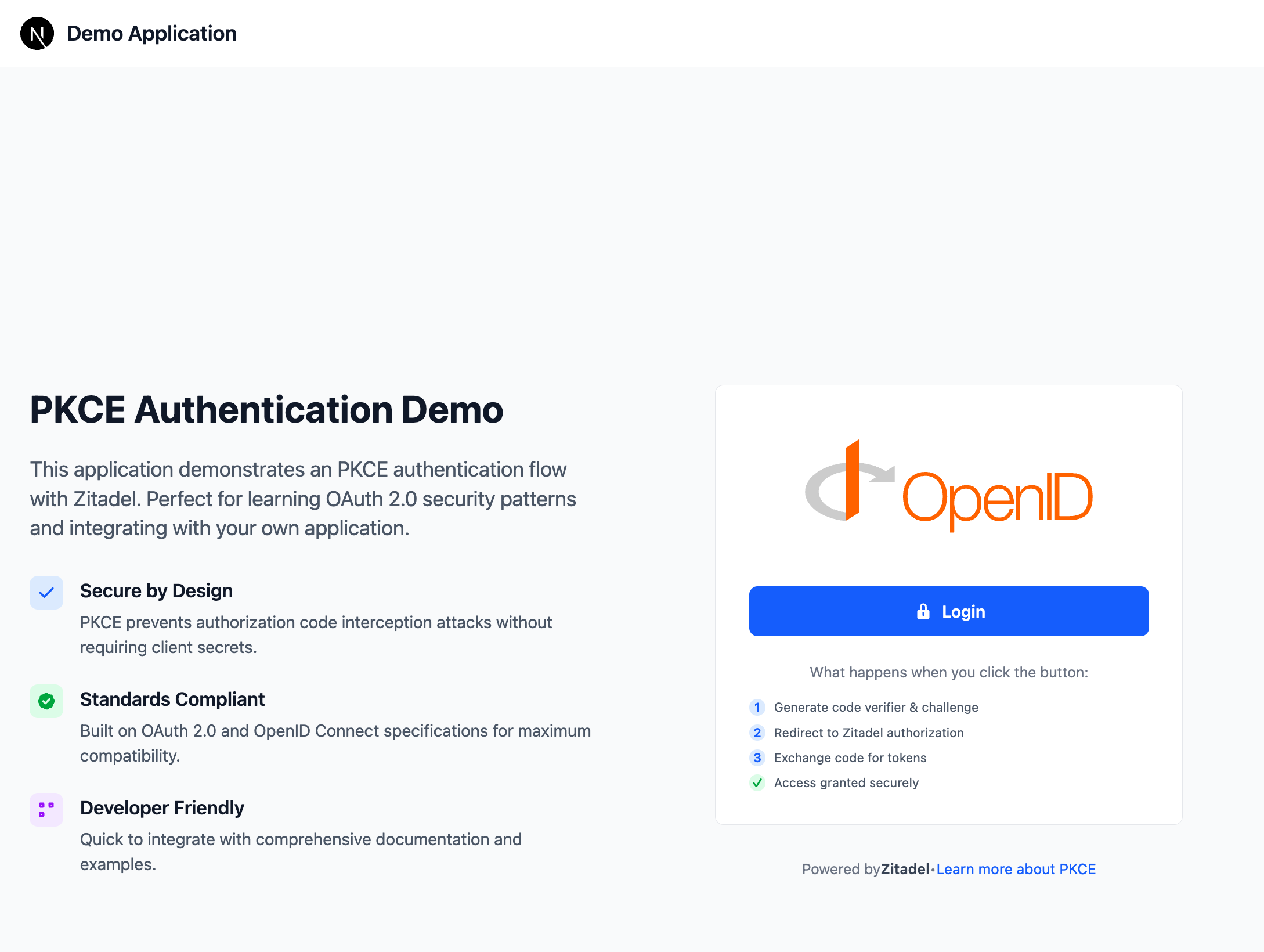
```bash
make start
```
Your app will be live at `http://localhost:3000`.
```bash
make start
```
Your app will be live at `http://localhost:3000`.
```bash
make start
```
Your app will be live at `http://localhost:3000`.
```bash
make start
```
Your app will be live at `http://localhost:3000`.
```bash
make start
```
Your app will be live at `http://localhost:3000`.
```bash
make start
```
Your app will be live at `http://localhost:3000`.
```bash
make start
```
Your app will be live at `http://localhost:3000`.

```bash
make start
```
Your app will be live at `http://localhost:3000`.

## Success! 🚀
You’ve successfully integrated ZITADEL into an application.
### What’s next?
- [**Example Applications**](/examples/introduction): Find more comprehensive guides and examples for the different frameworks
- [**SSO**](/guides/integrate/services): Learn how to add SSO to your services
- [**Customize the UI**](/guides/manage/customize/branding): Make the login page your own with Branding.
- [**Explore the API**](/apis/introduction): Check out the ZITADEL API Reference for advanced integrations.
Need help? Join our [Discord community](https://zitadel.com/chat) or explore the full Documentation. Happy coding!